
What Is an Access Point?
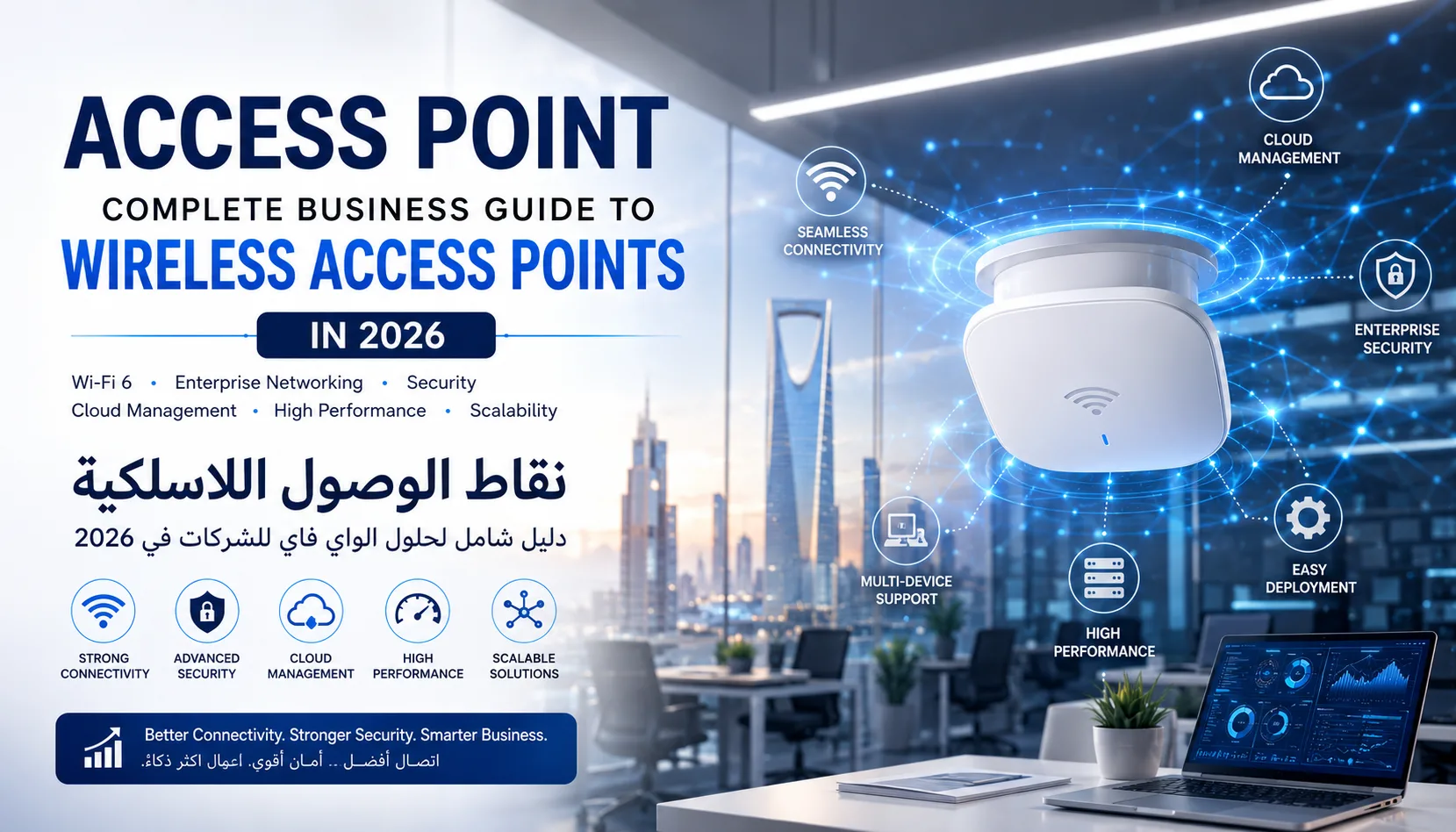
An Access Point (AP) is a networking device that creates a wireless local area network (WLAN) and allows devices such as laptops, smartphones, tablets, printers, and IoT devices to connect to a network through Wi-Fi.
Unlike a traditional wireless router designed primarily for homes, access points are built to provide scalable, secure, and high-performance wireless connectivity for business environments. They are commonly deployed in offices, hospitals, schools, warehouses, hotels, retail stores, and enterprise campuses.
As organizations continue adopting cloud services, hybrid work environments, video conferencing, and IoT devices, access points have become one of the most important components of modern networking infrastructure.
Businesses seeking reliable enterprise connectivity often integrate access points as part of a broader network architecture supported by professional networking solutions from Zorins Technologies Networking Solutions.
How Does an Access Point Work?
An access point connects to a wired network through an Ethernet connection and broadcasts wireless signals that allow devices to connect to the network.
The process typically works as follows:
- The access point connects to a network switch.
- The switch connects to the organization's network infrastructure.
- The access point broadcasts Wi-Fi signals.
- Wireless devices connect securely.
- Data travels between wireless users and network resources.
Modern access points can support hundreds of simultaneous users while maintaining performance and security.
Why Businesses Need Access Points
Modern organizations depend heavily on wireless connectivity.
Employees use laptops, smartphones, VoIP phones, collaboration tools, cloud applications, and video conferencing platforms daily. Without a strong wireless infrastructure, productivity suffers.
Key business benefits include:
Improved Coverage
Access points eliminate Wi-Fi dead zones and provide consistent wireless coverage across large facilities.
Better Performance
Enterprise-grade access points support higher throughput and more simultaneous users compared to consumer routers.
Enhanced Security
Modern access points support:
- WPA3 Encryption
- Multi-Factor Authentication
- Network Segmentation
- Guest Networks
- Zero Trust Access Models
These technologies align with enterprise cybersecurity strategies implemented through professional security services.
Scalability
Businesses can deploy dozens or even hundreds of access points across multiple locations without compromising performance.
Types of Access Points
Indoor Access Points
Indoor access points are designed for:
- Offices
- Schools
- Retail stores
- Hospitals
- Conference rooms
Popular enterprise examples include Cisco Catalyst, Aruba, and Fortinet wireless solutions available through Zorins Technologies.
Outdoor Access Points
Outdoor access points provide connectivity in:
- Campuses
- Industrial facilities
- Parking areas
- Public Wi-Fi zones
- Warehouses
Outdoor APs feature weatherproof designs and extended range capabilities. Examples include rugged outdoor Wi-Fi 6 solutions from EnGenius and D-Link.
Cloud-Managed Access Points
Cloud-managed APs allow administrators to:
- Monitor performance remotely
- Configure multiple locations
- Push updates automatically
- Troubleshoot issues instantly
Organizations adopting cloud-first strategies often combine cloud-managed access points with enterprise cloud services.
Learn more about cloud transformation through Zorins Technologies Cloud Services.
What Is Wi-Fi 6 and Why Does It Matter?
Wi-Fi 6 represents the latest generation of wireless networking technology.
Compared to previous standards, Wi-Fi 6 offers:
- Faster speeds
- Lower latency
- Better device density
- Improved battery efficiency
- Greater network reliability
Enterprise access points such as Cisco Catalyst 9130 and Aruba AP535 support Wi-Fi 6 technology for high-density environments.
Benefits include:
Better Video Conferencing
Supports Teams, Zoom, and Webex traffic efficiently.
More Connected Devices
Ideal for IoT-heavy environments.
Improved User Experience
Maintains performance even during peak usage.
Key Features to Look for in an Access Point
When selecting an access point, organizations should evaluate:
Wireless Standard
Choose Wi-Fi 6 or Wi-Fi 6E whenever possible.
Security Features
Look for:
- WPA3
- Intrusion Prevention
- Role-Based Access
- Device Authentication
Management Capabilities
Cloud and centralized management simplify operations.
PoE Support
Power over Ethernet reduces cabling requirements.
Scalability
Ensure the solution can grow with business demands.
Access Points and Cybersecurity
Wireless security is no longer optional.
Attackers frequently target:
- Weak passwords
- Guest networks
- Misconfigured devices
- Outdated firmware
Organizations should implement:
Network Segmentation
Separate:
- Employee devices
- Guest users
- IoT devices
WPA3 Encryption
Provides stronger protection than older protocols.
Access Control Policies
Restrict access based on roles and permissions.
Continuous Monitoring
Detect suspicious activity before it becomes a security incident.
Many enterprises combine wireless infrastructure with advanced cybersecurity frameworks, including Zero Trust architectures and identity-based access controls.
Businesses can strengthen protection through Zorins Technologies Cyber Security Solutions.
Access Points for Different Industries
Healthcare
Hospitals require:
- Reliable roaming
- Secure patient data access
- Medical device connectivity
Education
Schools need:
- High-density Wi-Fi
- Student authentication
- Content filtering
Retail
Retailers benefit from:
- POS connectivity
- Customer Wi-Fi
- Analytics and tracking
Warehousing
Warehouses require:
- Long-range coverage
- IoT support
- Real-time inventory systems
Corporate Offices
Businesses depend on:
- Video conferencing
- Cloud applications
- Hybrid workforce support
Enterprise Access Point Solutions Available Through Zorins Technologies
Organizations in Saudi Arabia can choose from multiple enterprise-grade solutions.
Cisco Catalyst Access Points
Cisco Catalyst Wi-Fi 6 access points deliver intelligent, secure, and resilient wireless networking for enterprise environments.
Aruba Access Points
Aruba AP535 provides high-performance Wi-Fi 6 connectivity designed for mobility and IoT-heavy deployments.
Fortinet FortiAP
FortiAP solutions combine wireless networking with integrated security and centralized management.
Linksys Business Access Points
Linksys business-class access points offer reliable performance for small and medium-sized businesses.
Browse enterprise wireless products through Zorins Technologies Store.
Best Practices for Access Point Deployment
To maximize wireless performance:
Conduct a Site Survey
Analyze:
- Coverage requirements
- Building materials
- User density
- Interference sources
Optimize Placement
Avoid:
- Metal obstructions
- Thick concrete walls
- Electrical interference
Use Multiple Access Points
Large environments require strategically placed APs.
Enable Monitoring
Continuous monitoring identifies performance bottlenecks early.
Professional deployment and optimization services significantly improve network reliability and user experience.
Future Trends in Access Point Technology
The future of enterprise wireless networking includes:
Wi-Fi 7
Delivering even higher throughput and lower latency.
AI-Powered Wireless Management
Machine learning will automatically optimize wireless performance.
Edge Computing Integration
Access points will increasingly process data closer to users.
Enhanced Security
Zero Trust wireless architectures will become standard.
IoT Expansion
Access points will support thousands of connected sensors and smart devices.
Frequently Asked Questions
What is an access point used for?
An access point provides wireless network connectivity to users and devices within a business environment.
Is an access point better than a router?
For large offices and enterprise deployments, access points offer significantly better scalability and coverage.
Do access points improve Wi-Fi coverage?
Yes. Multiple access points can eliminate dead zones and improve wireless performance.
What is the difference between Wi-Fi 5 and Wi-Fi 6 access points?
Wi-Fi 6 offers faster speeds, lower latency, better security, and improved performance in high-density environments.
Are access points secure?
Modern enterprise access points support advanced security features including WPA3, authentication controls, intrusion prevention, and network segmentation.
Final Thoughts
Access points are no longer optional components of business infrastructure. They form the foundation of modern wireless networking, enabling cloud applications, remote collaboration, IoT connectivity, and secure business operations.
Organizations that invest in enterprise-grade wireless infrastructure gain stronger security, improved productivity, greater scalability, and a better user experience.
Whether you need Cisco, Aruba, Fortinet, Linksys, or other enterprise wireless solutions, Zorins Technologies provides end-to-end expertise across networking, cybersecurity, cloud, and server infrastructure to help businesses build future-ready networks.