
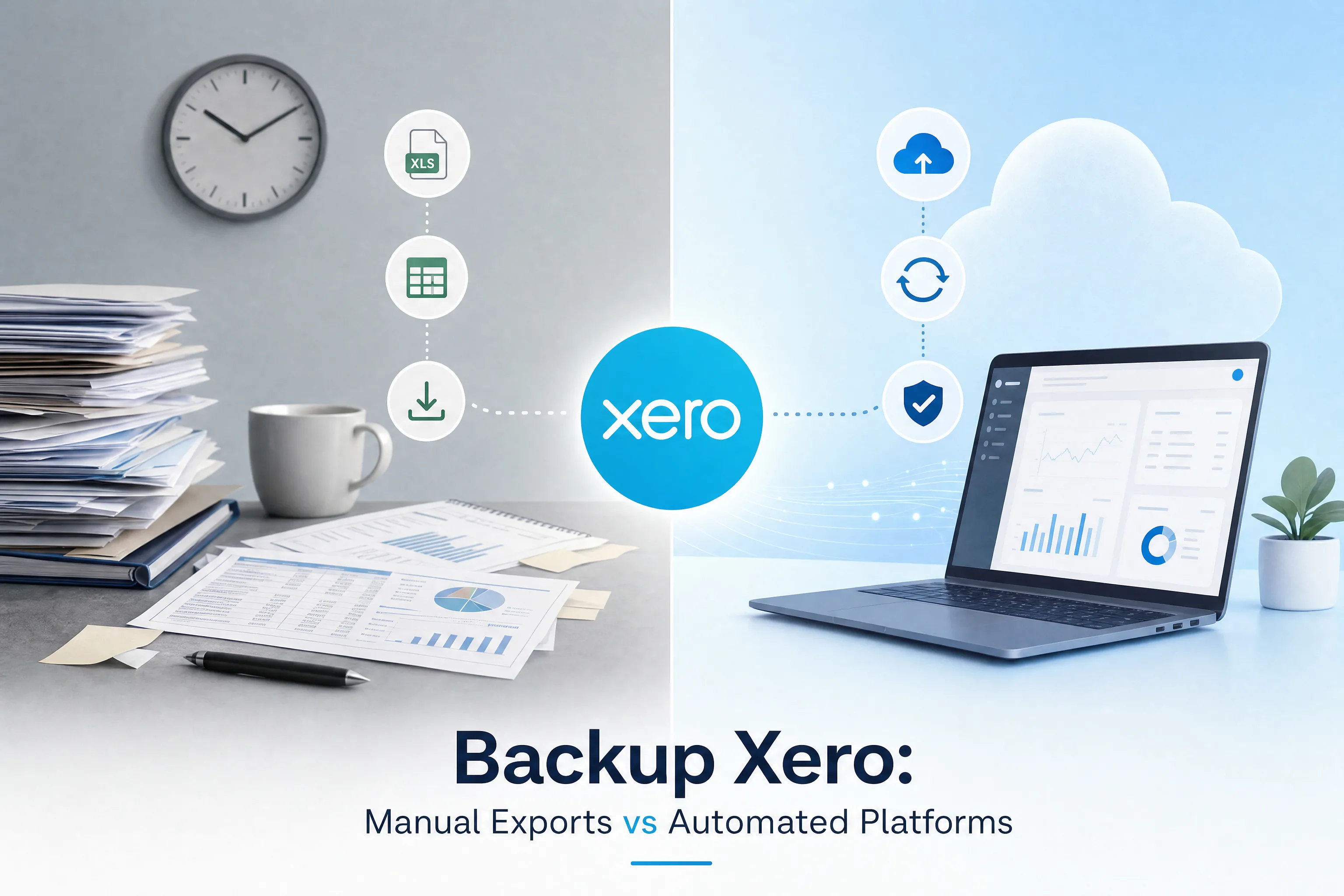
Your Xero data is safer than you think, and more exposed than you'd like
Most Xero users assume their books are protected because everything lives in the cloud. That is half right. Xero keeps its own platform backed up so the service stays online and survives a server failure. What it will not do is protect your individual organisation from the things most likely to cause real damage: a team member deleting the wrong batch of transactions, a connected app pushing a bad import, or a lapsed subscription that quietly locks you out of your own file.
This is the shared responsibility model, and it catches people off guard. Does Xero back up my data? Yes, for its own disaster recovery. No, in the sense that you cannot ring Xero and ask them to roll your organisation back to how it looked last Tuesday. That gap is yours to fill, and there are two common ways to fill it: manual exports or an automated Backup Xero platform. They are not equal, and this article walks through where each one holds up and where it falls apart.
Where Xero data actually goes missing
It is rarely a Xero outage that costs people their data. It is closer to home. Three causes come up again and again:
- Human error. Someone deletes a batch, voids the wrong invoices, or overwrites records during an import. Admin access makes this fast and hard to undo.
- App integrations gone wrong. A connected app syncs bad data or duplicates entries at scale. The damage is done before anyone notices.
- Cancelled or lapsed subscriptions. This is the one people forget. What happens to your data if you cancel Xero? Your organisation goes read-only for a period, then access ends. Xero does not hand you a restorable file on the way out, so anything you have not independently backed up is effectively gone.
An automated Backup Xero platform is built for all three, because it keeps an independent copy outside the Xero environment entirely.
What manual Xero exports actually protect
Manual backup usually means logging into Xero and downloading data yourself. CSV files of transactions, PDF invoices, a few reports for the period. Some businesses do this monthly. Plenty do it once, feel reassured, and never touch it again.
You get records, not a restore
The core problem is structural. A CSV of bank transactions does not carry your chart of accounts. A batch of PDF invoices does not capture contact records, payment terms, or tracking categories. Pull every export Xero offers and you still end up with a folder of reference documents, not a file you could use to rebuild a working organisation. If something goes wrong, you would be re-keying data by hand and hoping it reconciles.
It only works if a human remembers
Manual processes lean on someone remembering to run them, running them correctly, and storing the results somewhere they can be found later. In a busy practice or a growing business, that reliability rarely lasts. Staff move on. A routine that ran every month for half a year stops the moment the person responsible leaves. For any business with daily activity, payroll, or accounts payable runs, even a weekly export leaves days of work exposed between the last download and an incident.
What automated Backup Xero platforms do differently
An automated Xero Backup service connects straight to your organisation through the Xero API and captures the whole thing on a schedule, with no one needing to lift a finger.
Full capture, on a schedule
Instead of partial snapshots, a tool like WOW Backup and Restore (WOWzer) pulls a complete copy: transactions, contacts, chart of accounts, tracking categories, and organisation settings. It runs on a 7-day rolling backup by default, and you can extend that window to 30, 60, or 90 days per organisation when you need a longer history. Pricing is $9.95 USD per organisation each month, attachments included. You can also download a CSV copy for long-term archiving, and access is protected with two-factor authentication plus a full audit trail.
How restoring Xero organizations actually works
This part matters, because it is easy to oversell. When you restore with WOWzer, it rebuilds your data into a brand new Xero organisation rather than overwriting your live file. Your current organisation stays untouched while you check the restored copy. A typical restore finishes in one to three hours. Very large organisations can take up to a day or two, because Xero's API limits how fast data can be written back in.
Two things to plan for. Bank feeds need to be reconnected by hand after a restore, since Xero treats feed authorisation as a fresh connection. And bank transfers sit outside what the Xero API exposes, so they are not part of the captured data. Knowing this up front is the difference between a restore that goes smoothly and one that surprises you.
A practical way to weigh the two
Here is a situation common enough to be worth picturing. (This is an illustrative example, not a specific customer.)
A bookkeeping practice looks after a dozen Xero clients and exports transaction CSVs for each one at month end. During a hectic June, three of those exports get missed. In late July, one of those same clients suffers a bulk deletion when someone with admin access botches a supplier import. The most recent export on file is from May.
Now the team is reconstructing six weeks of transactions, including end-of-financial-year entries, from bank statements and supplier invoices. It takes the better part of two weeks and throws up reconciliation discrepancies that need chasing down. Running automated Backup Xero Files across all twelve organisations would have turned that into a single restore to the day before the deletion, sorted the same afternoon.
So which one do you actually need?
If you are a sole trader with light activity and a real aversion to a monthly cost, manual exports are better than nothing, as long as you genuinely run them on a schedule and store them somewhere separate from your laptop. Be honest with yourself about whether that will hold.
For everyone else, and that means any business with daily transactions, payroll, multiple users, multi-currency, or reporting duties to a bank or board, an automated platform is the baseline rather than a luxury. Among the Xero Backup options on the market, the Xero Backup Services that offer scheduled capture and a genuine restore are the only ones that match the value of the data they protect. The right Xero Backup Solutions cost less per month than a single hour of someone's time spent rebuilding a damaged file.
The bottom line
Manual exports give you a feeling of safety and a folder of documents. They do not give you a way back when something breaks. Automated Backup Xero with WOWzer gives you the complete picture, captured on a schedule, with a restore process that is clear about what it does and does not do. For most businesses running Xero as their financial backbone, that is the honest minimum.
Protect your books today. Start a free trial at wowbackupandrestore.com, or install WOWzer from the Xero App Store and book an onboarding call to get your first automated backup running.
Frequently Asked Questions
1. Does Xero back up my data?
Xero backs up its own platform for disaster recovery, so the service stays online. It does not let you roll your individual organisation back to an earlier date if you delete or corrupt your own data. That part is your responsibility.
2. Can I restore my Xero data to an earlier point?
Yes, with a dedicated tool. WOWzer lets you restore from any backup held inside your retention window, which is 7 days by default and extendable to 30, 60, or 90 days per organisation.
3. How is an automated platform different from a CSV export?
A CSV export captures partial data with no way to rebuild a working file. An automated platform captures the full organisation, including chart of accounts and settings, and gives you an actual restore.
4. What happens to my Xero data if I cancel my subscription?
Your organisation becomes read-only for a period, then access ends. Xero does not provide a restorable backup file when you leave, so an independent backup is the only way to keep a usable copy.
5. How often should I back up Xero?
For any business with daily transaction activity, daily is the sensible standard. WOWzer runs scheduled backups automatically so the cadence does not depend on anyone remembering.
6. Does restoring overwrite my existing organisation?
No. WOWzer restores into a brand new Xero organisation and leaves your live file untouched, so you can verify the restored data before relying on it.
7. Will my bank feeds work straight after a restore?
Not automatically. Bank feeds need to be reconnected manually after a restore, because Xero treats the feed authorisation as a new connection.
8. Are bank transfers included in a Xero backup?
No. Bank transfers fall outside what the Xero API exposes, so they are not part of the captured data. It is worth knowing this before you rely on a restore.
9. How much does a Xero backup service cost?
WOWzer is $9.95 USD per organisation per month, with attachments included.
10. Can I back up more than one Xero organisation?
Yes. Backup and recovery runs per organisation, which suits bookkeeping practices and firms managing multiple client files under one workflow.