Your sales team can spend hours building a prospect list and still end up with contacts who never had a reason to buy. Wrong job titles, outdated emails, companies outside your ICP, and missing decision-makers turn a large list into a small set of usable opportunities.
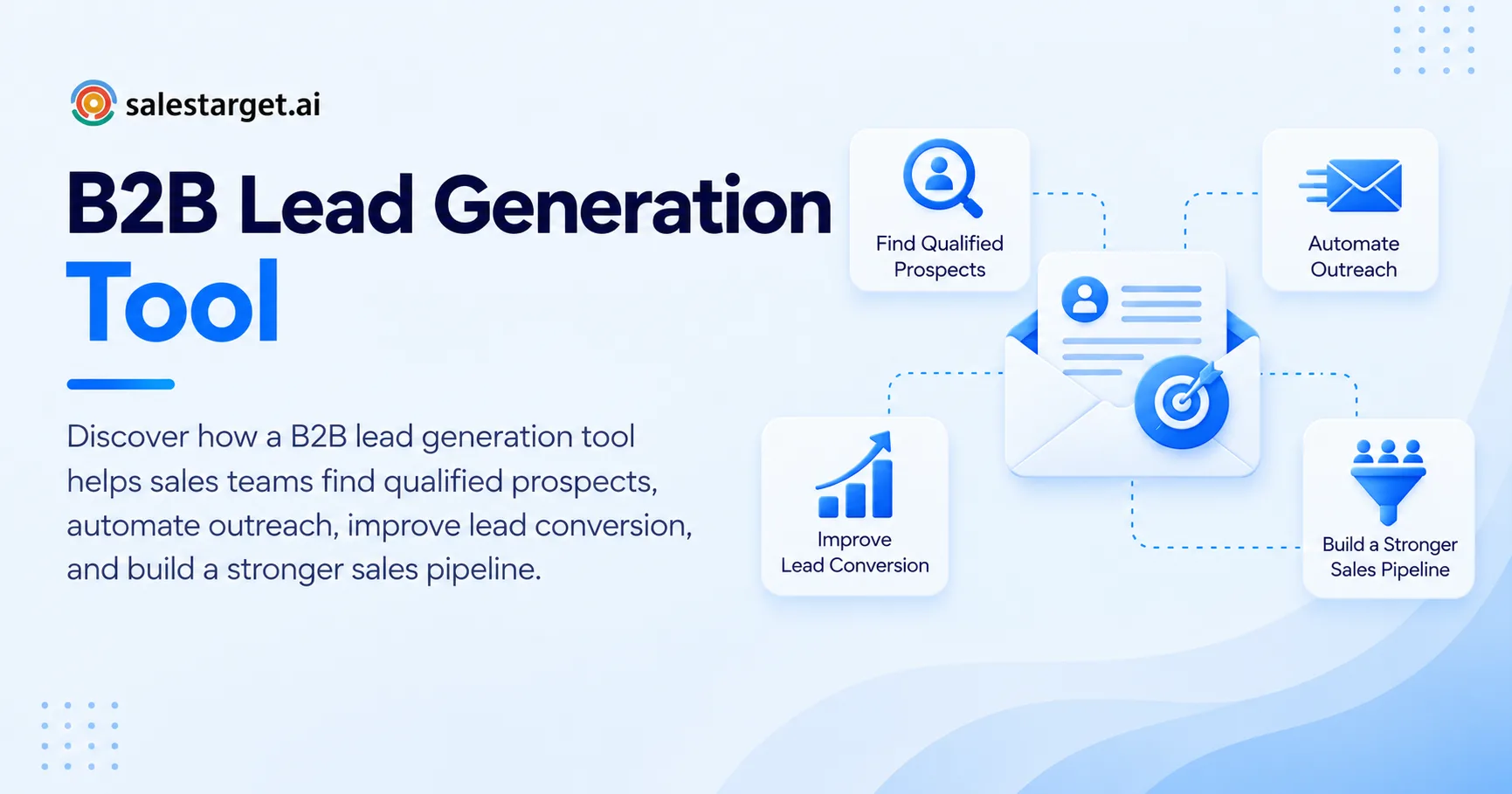
A b2b lead generation tool solves this by combining company, contact, and buying-signal data into a searchable workflow. Instead of collecting names first and qualifying them later, sales teams can define the companies and people they want, apply relevant filters, verify contact details, and create focused prospect lists ready for outreach.
What Does a B2B Lead Generation Tool Do for Sales Teams?
A b2b lead generation tool helps sales teams identify companies and decision-makers that match their ideal customer profile, then organize those prospects for outreach. The useful part is not the size of the database. It is how quickly the team can narrow that database to contacts that fit its actual sales criteria.
Modern prospecting platforms combine company information, job data, contact details, technology information, intent signals, and enrichment. This gives sales teams more context before an outreach sequence starts.
The difference matters. A list containing 5,000 loosely related contacts can create more manual work than a list containing 300 well-matched prospects. Search filters make it possible to narrow by industry, company size, geography, seniority, role, technology, and other attributes.
Data quality is another part of the equation. A prospect with an incorrect email address is not a qualified lead just because the name and company are correct. Verification needs to happen close to the point of outreach so the team can reduce avoidable bounces and wasted sales activity.
How Does a B2B List Building Tool Create More Targeted Prospect Lists?
A B2B list building tool creates targeted lists by combining ICP criteria with contact-level filters and data enrichment. The process moves from a broad market definition to a smaller group of accounts and people who fit the sales team's actual requirements.
For a SaaS company selling to finance departments, the search might start with companies in a defined revenue range, then narrow to specific industries, locations, technologies, and finance leadership roles. The result is much closer to a usable account list than a generic industry export.
This approach matters since lead generation platforms increasingly combine databases, filters, verification, intent data, and outreach workflows in a single process.
The key is to filter in layers rather than adding every possible condition at once. Start with the account profile, identify the right department, narrow by seniority, then check contact availability and buying signals.
A second practical point is list freshness. Prospect information changes when people switch companies, change roles, or leave organizations. A list that looked accurate several months ago can contain unusable records today. Teams should treat prospecting data as something that needs continuous checking rather than a spreadsheet that stays accurate forever.
What Features Should You Look for in a B2B List Builder?
A useful B2B list builder should make qualification faster without forcing reps to jump between multiple databases and spreadsheets. The most valuable capabilities are searchable data, layered filters, enrichment, verification, intent signals, and a direct path into outreach.
Search and firmographic filters
Firmographic filters let sales teams narrow accounts using attributes such as industry, company size, revenue, location, and growth characteristics. These filters give the sales team control over the account side of the ICP before individual contacts are selected.
Contact and role filtering
Company fit alone is not enough. Reps need to find people with the right responsibilities and seniority inside those companies. Job title, department, seniority, and role filters can reduce the time spent searching company websites or LinkedIn profiles manually.
Data enrichment and verification
Enrichment fills missing fields such as business email, phone number, mobile number, or company information. Verification then checks whether contact information is usable before the prospect enters an active sequence.
Buying signals and intent data
Intent signals add a timing layer to list building. A company that matches your ICP and shows relevant research activity can be more actionable than an identical company with no visible buying signal. Sales teams can use these signals to decide which accounts deserve attention first.
Outreach and CRM connectivity
The list should have somewhere to go. Exporting a spreadsheet, cleaning it manually, importing it into an outreach platform, and then copying activity into a CRM creates unnecessary points of failure.
SalesTarget.ai combines these steps inside one workspace. Its Lead Explorer searches 840M+ professional profiles and 146M+ business entities across 50+ data sources, with more than 4,000 intent signals. Teams can search in plain English or combine Business and People filters, enrich records, verify contact details, and move prospects into outreach.
If your current workflow requires several exports before a rep can contact a qualified prospect, this is a good point to test a unified workflow. SalesTarget.ai can connect prospect discovery, enrichment, verification, outreach, and CRM activity without requiring the team to move the same record between separate systems.
B2B List Builder vs. B2B Prospecting Tool: What Is the Difference?
A B2B list builder focuses primarily on creating a usable collection of prospects. A B2B prospecting tool typically covers a wider part of the workflow, including discovery, qualification, enrichment, prioritization, and outreach.
CapabilityB2B List BuilderB2B Prospecting ToolContact discoveryCore functionCore functionCompany filteringCommonCommonContact enrichmentCommonCommonEmail verificationVariesMore likelyIntent signalsMay be availableCommon in advanced platformsOutreach automationLimited or separateOften integratedCRM workflowExport or integrationOften built into workflowLead prioritizationBasic filteringCan include signals and scoringThe distinction matters when choosing software. If the bottleneck is simply finding contacts, a database may solve the immediate problem. If the bottleneck extends from finding prospects to contacting, tracking, and following up with them, a broader platform can reduce manual handoffs.
How to Build a Targeted Prospect List Step by Step
The strongest prospect lists are built around a repeatable qualification process. The following workflow keeps list size secondary to sales relevance.
Step 1: Define the account profile
Start with the companies most likely to have the problem your product solves. Set boundaries around industry, geography, company size, revenue range, technology, and other attributes that genuinely affect your sales motion.
Avoid creating an ICP with every attribute your CRM contains. Each filter should answer a real sales question.
Step 2: Identify the buying roles
Once the account pool is defined, determine who can influence or approve the purchase. Include economic buyers, functional leaders, technical stakeholders, and operational users when the deal requires multiple people.
This prevents a common mistake: building a perfect account list but targeting people who cannot move the opportunity forward.
Step 3: Add data and contact requirements
Decide what information a rep needs before a prospect is considered outreach-ready. That might include a verified business email, direct phone number, LinkedIn profile, current title, company website, or technology information.
A smaller list with complete records can be easier to work than a larger list filled with missing fields.
Step 4: Add buying signals
Use intent, hiring, funding, technology changes, job changes, or other relevant signals when they fit your sales process. These signals should influence prioritization rather than replace ICP qualification.
A company showing activity around a problem you solve still needs to match your basic account criteria.
Step 5: Verify and remove duplicates
Run verification before contacts enter a campaign. Remove duplicate contacts, former employees, generic inboxes where they do not fit the campaign, and accounts already being worked by another rep.
This step is easy to skip when teams are under pipeline pressure. It is one of the places where list quality directly affects downstream sales work.
Step 6: Route prospects into outreach
Once the list is clean, assign prospects to the appropriate campaign, rep, territory, or account owner. Keep the original filtering logic visible so the rep knows why the account belongs in the sequence.
SalesTarget.ai supports this flow through Lead Explorer, email and LinkedIn outreach, email validation, and its built-in CRM. Its AI Copilot can search for leads, generate sequences, query CRM information, and create or assign tasks from conversational prompts.
What Are the Benefits of Targeted B2B Prospecting?
Targeted B2B prospecting reduces the amount of time reps spend researching poor-fit accounts and gives outreach a clearer reason for contacting each prospect. The value comes from better alignment between the account, contact, message, and timing.
Better targeting can improve research efficiency first. Reps spend less time checking whether a company belongs in the ICP and more time preparing relevant messaging.
It can improve personalization too. When the sales team knows the prospect's role, company profile, technology environment, and potential buying signal, the opening message can reference a real business context rather than relying on generic personalization.
Targeted lists can support cleaner campaign measurement. If every prospect meets defined criteria, reply and meeting data can tell the team more about which segments are actually responding.
There is another operational benefit that receives less attention: territory and ownership control. A centralized prospecting process can reduce duplicate outreach when several reps target the same market. The CRM becomes the record of activity rather than a separate system that gets updated after the fact.
What Are the Best Practices for B2B Prospect List Building?
Effective B2B prospect list building starts with a narrow sales hypothesis and gets broader only when the data supports it. Teams should review list quality through actual campaign outcomes rather than judging success by record count.
Use a small test segment before building thousands of contacts. If a segment produces poor replies or weak meetings, investigate the account criteria before scaling the list.
Separate account qualification from contact qualification. A company can fit your ICP while the selected contact has no buying influence.
Refresh lists based on the sales cycle. High-change markets may need more frequent checks than stable industries. Job changes alone can invalidate a large portion of a contact list over time.
Track the source and reason each segment exists. A list called "SaaS prospects" tells a rep very little. A segment defined by company size, role, technology, geography, and intent gives the rep a clear sales context.
For teams evaluating different platforms, compare data freshness, filtering depth, verification methods, intent coverage, CRM connectivity, and the number of manual handoffs required. Database size by itself does not tell you how useful the records will be for your sales process.
A practical way to evaluate the category is to review how modern B2B lead generation platforms connect prospect discovery with qualification and outreach rather than judging them only by contact volume.
What Mistakes Make Sales Prospect Lists Less Effective?
The most common mistake is treating database size as a proxy for lead quality. More records do not help if the majority fail your ICP or lack usable contact information.
Another mistake is relying on job titles without checking the underlying role. Titles vary significantly between companies. A "Director" at one organization may have purchasing authority, while the same title elsewhere may have no involvement in the buying process.
Teams can create problems by applying too many filters too early. An extremely narrow search can produce a list too small to support a meaningful test. Start with the criteria that directly affect fit, then refine based on campaign evidence.
Sending unverified records is another avoidable issue. Email validation should happen before contacts enter active outreach, not after bounce rates reveal that the list contains bad data.
Finally, avoid building a list without deciding what happens next. A prospect list should connect to ownership, messaging, sequencing, follow-up, and CRM tracking. Otherwise, the team has created another data file rather than a sales workflow.
How Can SalesTarget.ai Support Targeted Prospect List Building?
SalesTarget.ai brings prospect data, enrichment, verification, multichannel outreach, and CRM activity into one workspace. Its Lead Explorer gives sales teams access to 840M+ professional profiles, 146M+ business entities, 4,000+ intent signals, and 50+ data sources.
The workflow starts with prospect discovery. Teams can use plain-English searches or combine business and people filters to identify accounts and contacts that fit their target market. One-click enrichment can provide verified professional emails, personal emails, phone numbers, and mobile numbers.
The platform then connects list building to execution. Email Outreach supports AI-generated multi-step sequences, inbox rotation, warm-up, and authentication checks. LinkedIn Outreach can coordinate connection requests, messages, follow-ups, and engagement actions with email campaigns.
Email validation uses MX and SMTP checks, disposable-email detection, and risk scoring. That gives teams a verification layer before prospects move into active campaigns.
The CRM closes the loop. Campaign leads can enter the CRM automatically, activities can be logged to the lead timeline, and follow-up tasks can be created without relying on a separate spreadsheet.
For teams that want to reduce tool switching, that workflow is the main practical distinction. The goal is not to create the biggest list. It is to move qualified prospects from search to conversation with fewer manual steps.
Final Thoughts
B2B list building works best when sales teams treat the prospect list as the starting point of a sales workflow, not the finished product. The right filters identify suitable accounts, contact data identifies the people to reach, verification removes avoidable waste, and intent signals can help teams decide where to focus first.
A b2b lead generation tool becomes more useful when those steps connect directly to outreach and CRM activity. SalesTarget.ai brings those functions together so teams can find prospects, enrich and verify records, launch email and LinkedIn campaigns, manage conversations, and track opportunities in one workspace.
If your reps are still spending hours moving prospects between databases, spreadsheets, email tools, and CRM records, SalesTarget.ai gives you a way to consolidate that workflow. Start by defining one high-value ICP segment, build a focused list, verify it, and move the qualified prospects directly into your outbound process.