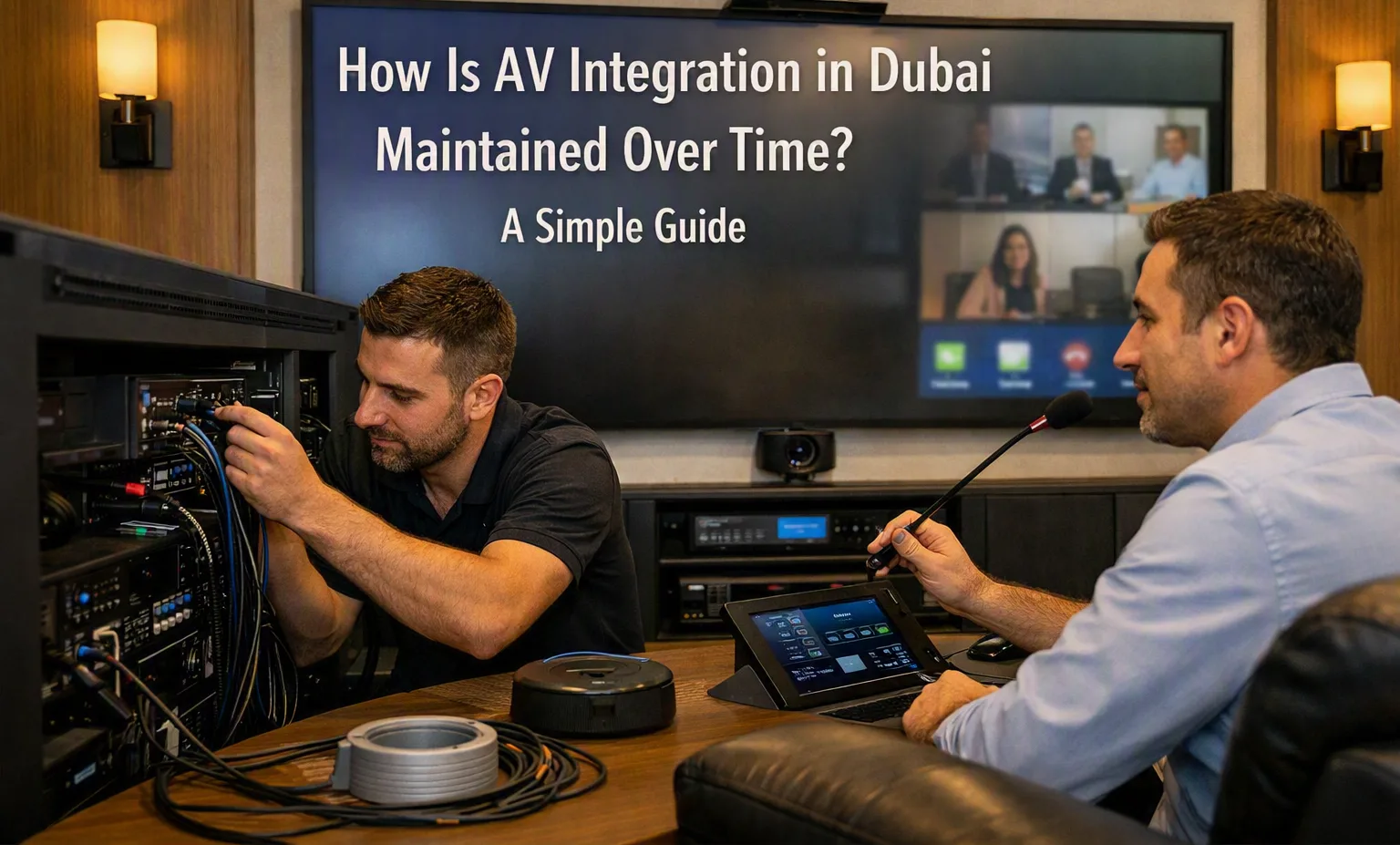
AV Integration in Dubai needs regular maintenance to keep audio, video, displays, control systems, and connected equipment working properly. An AV system may perform well when first installed, but its performance can change as equipment gets older, software is updated, cables are moved, or new devices are added. Simple and regular maintenance can help identify small problems before they affect daily use.
Check the AV Equipment Regularly
The first step in AV maintenance is checking the main equipment at regular intervals. This can include displays, projectors, speakers, microphones, amplifiers, video processors, control panels, and other connected devices.
A basic inspection can identify signs such as unusual sounds, overheating, loose connections, damaged cables, or changes in picture and sound quality. Regular checks are especially useful in meeting rooms, classrooms, offices, and other spaces where AV equipment is used frequently.
Keep Cables and Connections in Good Condition
Cables are an important part of any AV system. HDMI, network, audio, power, and other cables can become loose or damaged over time. Frequent movement of equipment can also put stress on connectors.
During maintenance, cables should be checked for visible damage and secure connections. If a screen suddenly loses its signal or a microphone stops working, a loose or damaged cable can sometimes be the reason.
Keeping cables properly arranged also makes future troubleshooting easier. Clear cable identification can help technicians find the correct connection without disturbing other parts of the system.
Clean Displays, Projectors, and Other Equipment
Dust can collect on AV equipment, especially in rooms that are used regularly. Screens, projectors, vents, speakers, and control equipment should be cleaned according to the manufacturer's instructions.
Projectors may require particular attention because dust can affect ventilation and image quality. Blocked vents can also contribute to heat buildup.
Cleaning should be done carefully. Using unsuitable cleaning materials or applying liquid directly to electronic equipment can cause damage.
Update Software and Firmware
Many modern AV devices use software or firmware to control their functions. Manufacturers may release updates to improve compatibility, fix technical issues, or add features.
During maintenance, it is useful to check whether important updates are available for compatible equipment. However, updates should be planned rather than installed without checking the existing system.
Before making a major update, maintenance teams can record the current settings and confirm that connected devices will continue to work together.
Test Audio and Video Quality
Regular testing helps identify changes that may not be obvious during normal use. Audio can be checked for distortion, low volume, background noise, or uneven sound levels.
Video equipment can be checked for picture quality, brightness, color, resolution, and signal stability. Microphones, speakers, cameras, displays, and other devices should also be tested in the way they are normally used.
For example, a meeting room should be tested with a typical video call rather than only checking whether the display turns on. This gives a better idea of how the complete system performs during normal operation.
Check Compatibility After Changes
AV systems can change over time. A company may replace a laptop, add a display, upgrade a conference camera, or introduce a new network device.
A new device may use different connection standards or require different settings. After making changes, the complete system should be tested to confirm that the devices communicate correctly.
This is particularly important when several types of equipment are connected through a central control system.
Keep Maintenance Records
Simple maintenance records can make future troubleshooting easier. These records can include equipment models, installation dates, software versions, previous repairs, cable changes, and replacement dates.
A record can also show which equipment needs more frequent attention. If the same device develops problems repeatedly, the maintenance history can help identify a pattern.
Keeping accurate records is useful for both small and large AV systems because it reduces the time needed to understand previous changes.
Plan for Equipment Replacement
No electronic equipment lasts forever. Even with proper maintenance, displays, projectors, speakers, microphones, control devices, and other components may eventually need replacement.
Planning ahead can help avoid unexpected interruptions. Equipment that is becoming difficult to repair or no longer works well with newer devices can be reviewed before it causes a larger problem.
A maintenance plan for AV Integration in Dubai can therefore include regular inspections, cleaning, software updates, connection checks, performance testing, and planned equipment replacement. These basic steps help keep an AV system reliable as its equipment and usage change over time.