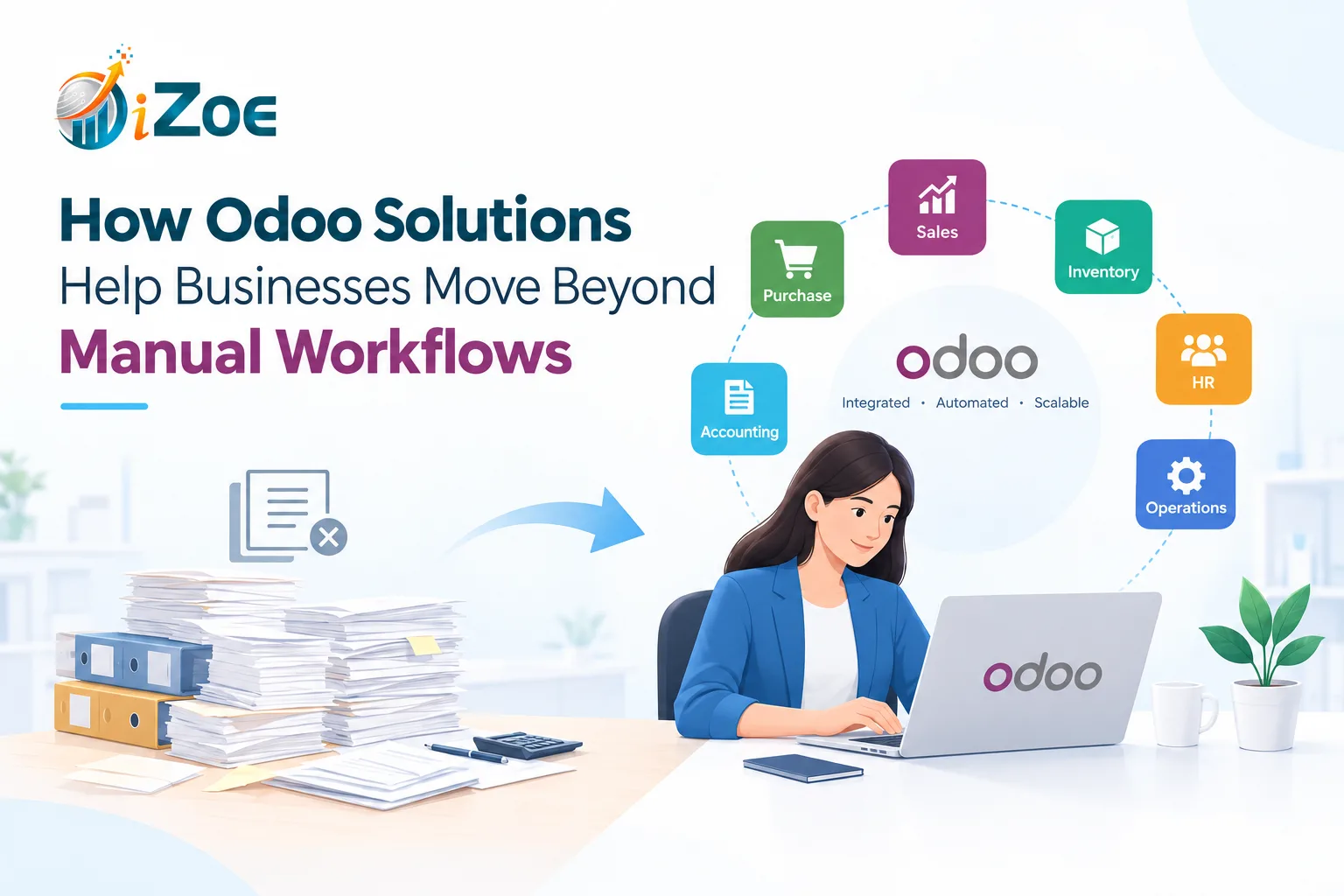
Manual workflows may work when a business is small, but as operations grow, they can quickly become difficult to manage. Teams often spend hours updating spreadsheets, entering the same information into multiple systems, following up on approvals, checking inventory, preparing reports, and coordinating between departments.
The problem is not simply the amount of work. Manual processes also increase the possibility of delays, duplicate data, missed updates, and human errors.
This is where Odoo solutions can help businesses move from disconnected manual processes to a more organized and automated way of working.
What Makes Manual Workflows Difficult to Manage?
Many businesses still depend on spreadsheets, emails, messaging platforms, and separate software for everyday operations. While these tools can be useful individually, managing them together can create gaps in the workflow.
For example, a sales team may record an order in one system while the finance team maintains a separate spreadsheet. The warehouse may receive information through email or WhatsApp. Someone then has to manually reconcile all these records.
As transaction volumes increase, this approach becomes harder to maintain.
Common challenges include:
- Repeated data entry
- Delayed approvals
- Scattered business information
- Difficulty tracking tasks
- Inventory visibility issues
- Manual invoice processing
- Time-consuming reporting
- Communication gaps between departments
Odoo brings these activities into a connected business environment.
How Odoo Solutions Reduce Manual Work
1. Connect Different Business Functions
One of the major advantages of Odoo is its integrated approach. Businesses can manage functions such as sales, CRM, inventory, purchasing, accounting, manufacturing, HR, and more through connected applications.
When information is updated in one part of the system, relevant teams can access the same data instead of maintaining separate records.
For instance, a confirmed sales order can flow into inventory and invoicing processes without requiring employees to repeatedly enter the same information.
This reduces unnecessary administrative work and helps maintain consistency across departments.
2. Automate Repetitive Tasks
Not every task requires manual intervention.
Businesses can automate repetitive activities such as approval workflows, customer follow-ups, invoice-related processes, notifications, and recurring operations based on their requirements.
Instead of employees constantly checking what needs to be done next, predefined workflows can help move tasks from one stage to another.
This allows teams to spend more time on activities that require judgment, communication, and decision-making.
3. Improve Data Accuracy
Manual data entry creates opportunities for mistakes. A wrong quantity, incorrect customer detail, or outdated spreadsheet can affect multiple downstream processes.
With connected Odoo workflows, information can be captured once and reused across relevant business functions.
For example, customer information entered through the CRM can support subsequent sales and invoicing activities. This reduces duplicate entry and makes it easier to maintain a consistent record.
Automation does not eliminate every possible error, but it can significantly reduce errors caused by repetitive manual data handling.
4. Give Teams Better Visibility
A major limitation of manual workflows is that information is often spread across different files and communication channels.
Odoo solutions provide businesses with centralized access to operational information. Teams can monitor orders, inventory, customer activities, invoices, and other processes from the relevant modules.
Managers can also use dashboards and reports to understand what is happening without waiting for employees to compile information manually.
Better visibility can make it easier to identify pending tasks, operational bottlenecks, and areas that need attention.
5. Simplify Inventory Management
Inventory management can become particularly challenging when stock information is maintained manually.
Odoo can connect purchasing, sales, inventory, and other related processes. Businesses can track stock movements, monitor product availability, and manage replenishment workflows from a centralized system.
This can help reduce dependence on separate spreadsheets and provide teams with a clearer view of inventory.
For businesses dealing with multiple products, warehouses, or frequent transactions, having connected inventory processes can make day-to-day operations easier to manage.
6. Make Financial Processes More Connected
Finance teams often spend considerable time collecting information from different departments before completing accounting tasks.
With Odoo, financial processes can be connected with activities such as sales, purchasing, and invoicing.
When business transactions are recorded within the system, relevant financial information can be made available to the accounting workflow.
This can reduce repetitive data entry and help finance teams spend less time collecting information and more time reviewing financial performance.
7. Create Standardized Workflows
Manual processes often depend on individual employees knowing what to do and when to do it. This can create inconsistencies, particularly when teams grow.
Odoo allows businesses to define structured workflows around their operational requirements.
For example, a purchase request can follow a defined sequence:
Request → Approval → Purchase Order → Receipt → Invoice
Similarly, a sales process can move through defined stages from lead generation to quotation, order confirmation, delivery, and invoicing.
Standardized workflows make responsibilities clearer and reduce dependence on informal processes.
8. Support Business Growth Without Adding More Manual Work
Growth usually means more customers, transactions, employees, products, and data.
If the underlying processes remain manual, increasing business volume can also increase administrative workload.
Odoo solutions can help businesses build more scalable processes by connecting operations and automating repetitive activities.
The objective is not to automate every human decision. Instead, businesses can use automation for predictable, repetitive tasks while employees focus on activities where human involvement adds more value.
Odoo Solutions Should Fit the Business, Not the Other Way Around
Every business has different processes. A manufacturing business may need production and inventory workflows, while a service-based business may prioritize CRM, project management, timesheets, and invoicing.
That is why implementing Odoo should begin with understanding the existing workflow.
A practical Odoo implementation can involve:
- Identifying repetitive and time-consuming processes
- Mapping the current workflow
- Identifying integration and automation opportunities
- Selecting the relevant Odoo applications
- Configuring workflows around business requirements
- Training teams to use the system effectively
- Monitoring and improving the workflows after implementation
The goal should be to create a system that supports how the business actually operates.
Moving From Manual Operations to Smarter Workflows
Moving beyond manual work does not mean removing people from the process. It means reducing the amount of repetitive work people have to perform.
With the right Odoo services, businesses can connect departments, automate routine activities, improve information visibility, and create more structured workflows.
For businesses looking to replace disconnected spreadsheets and repetitive processes with an integrated ERP environment, Odoo can provide a foundation for more organized and scalable operations.
iZoe Solutions helps businesses implement and manage Odoo solutions based on their operational requirements. From ERP implementation and customization to integrations and workflow automation, the focus is on creating a system that can support everyday business operations as they grow.
FAQs
1. What are Odoo solutions?
Odoo solutions are business management solutions built around the Odoo ERP platform. They can cover areas such as CRM, sales, accounting, inventory, purchasing, manufacturing, HR, project management, and other business functions.
2. Can Odoo automate manual business processes?
Yes. Odoo can automate various repetitive workflows, including approvals, notifications, sales processes, invoicing activities, inventory operations, and other routine tasks depending on the business setup.
3. Is Odoo suitable for small and growing businesses?
Yes. Odoo can be configured according to different business requirements. Businesses can start with the applications they need and expand their Odoo environment as their operations grow.
4. Can Odoo integrate with existing business software?
Yes. Odoo can be integrated with other systems depending on the available integration options and technical requirements. Custom integrations may also be developed when required.