
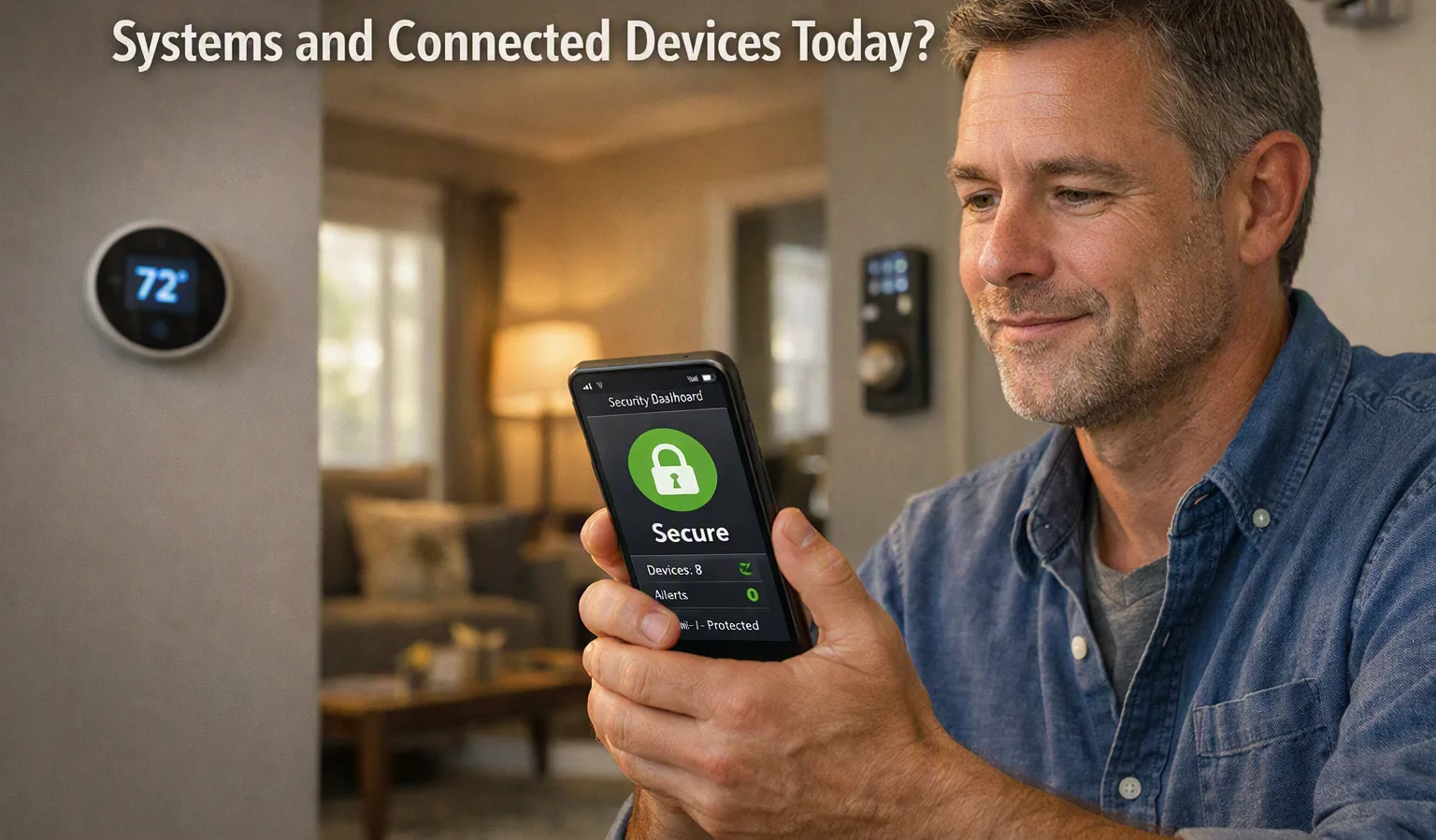
Home automation can make everyday tasks easier by connecting lights, cameras, locks, thermostats, speakers, and other devices. However, when many devices are connected to the internet or a home network, security becomes an important part of using them safely. Understanding common risks and simple security practices can help homeowners protect their devices and personal information.
How Home Automation Systems Connect
Most connected home devices communicate through Wi-Fi, Bluetooth, Zigbee, Z-Wave, or another wireless technology. Some devices connect directly to a home router, while others use a central hub to manage different products.
This connection allows devices to work together. For example, a smart light may respond to a phone app, while a smart lock can be controlled remotely. The same connection that makes these features useful can also create security concerns if the devices are not properly protected.
What Security Risks Can Occur?
One common risk is the use of weak passwords. A simple or reused password can make it easier for an unwanted person to access an account. If several devices use the same login details, one compromised account may create additional problems.
Outdated software can also create security issues. Manufacturers regularly release updates to fix problems and improve device security. Devices that are left without updates for a long time may have known weaknesses.
Another concern is an unsecured home network. Since many connected devices use the same network, protecting the router is just as important as protecting individual devices.
Why Software Updates Matter
Software updates are an important part of connected device security. Updates may fix security problems, improve performance, or add better protection against new threats.
Users should check whether their devices support automatic updates. If automatic updates are not available, it is useful to check the manufacturer's application or settings menu regularly.
Older devices that no longer receive security updates may need extra attention. In some cases, replacing an unsupported device can be safer than continuing to use it.
Use Strong and Different Passwords
Every connected device account should have a strong and unique password where possible. Avoid using simple information such as names, birthdays, or common words.
A password manager can help users create and store different passwords without having to remember each one. Two-factor authentication should also be enabled when a device or service supports it.
This adds another layer of protection because signing in requires more than just a password.
Protect the Home Wi-Fi Network
The home router plays an important role in connected device security. Users should change the router's default administrator password and use a strong Wi-Fi password.
Modern wireless security standards should be used when supported by the router and connected devices. It is also useful to keep the router's firmware updated.
For homes with many smart devices, a separate guest or device network can provide an additional layer of separation. This can reduce the impact if one connected device develops a security problem.
Be Careful With Device Permissions
Many smart devices request access to information or other functions. A mobile application may ask for access to location, microphones, cameras, contacts, or other data.
Users should review these permissions and only allow access that is needed for the device to work. Checking privacy settings from time to time can also help identify permissions that are no longer necessary.
It is worth remembering that convenience and privacy can sometimes involve a trade-off. Understanding what information a device collects makes it easier to decide how it should be used.
Choose Devices From Reliable Sources
Before buying a connected device, users should check whether the manufacturer provides regular software updates and security support. Product documentation can provide useful information about privacy, data storage, updates, and account protection.
It is also helpful to research how long the product is expected to receive software support. A low-cost device may not always be the best choice if it receives little or no security maintenance.
Simple Habits Can Improve Security
Good security does not always require complicated technical knowledge. Keeping devices updated, using strong passwords, protecting the router, enabling two-factor authentication, and reviewing permissions can make a meaningful difference.
Users should also remove old devices from their accounts when they are no longer being used. If a device is sold, given away, or replaced, personal account information should be removed before it leaves the home.
As more household products become connected, basic security habits will become increasingly important. A properly managed Home automation setup can provide convenience while reducing unnecessary security risks.