
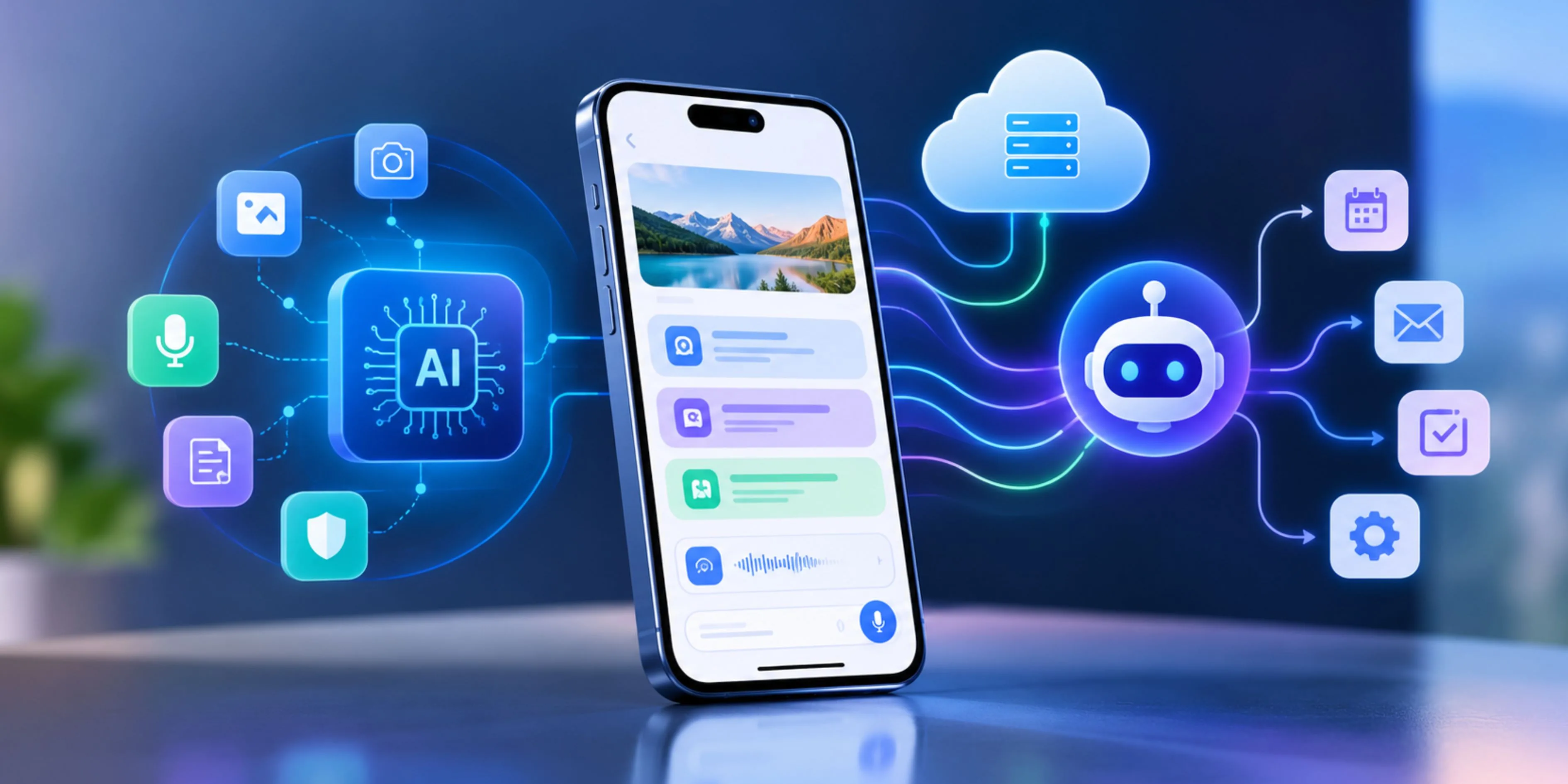
Mobile software is moving beyond the traditional model of screens, buttons, APIs, and static workflows. In 2026, the most competitive applications are being designed around intelligence from the beginning—combining on-device AI, cloud models, contextual data, and AI agents that can execute tasks rather than simply answer questions.
This is the difference between adding an AI chatbot to an existing application and building genuinely AI-native mobile software. In an AI-native product, intelligence influences the architecture, user experience, data layer, and automation workflows instead of existing as an isolated feature.
For businesses working with a mobile software development company, the important question in 2026 is no longer “Where can we add AI?” It is “Where should intelligence live, and what should it be allowed to do?”
What Makes Mobile Software AI-Native in 2026?
An AI-enabled application can still function normally when its AI feature is removed. An AI-native application is different: AI is part of how the product delivers its core value.
For example, consider a field-service application.
A conventional app might let technicians:
- Search equipment records
- Upload photos
- Complete inspection forms
- Create service reports
An AI-native version could understand a photographed machine, identify potential faults, retrieve relevant maintenance history, recommend the next diagnostic step, and generate a service report. An agent could then create a work order after the technician approves it.
The user moves from performing every step to supervising an intelligent workflow.
That shift is already visible across mobile platforms. Android is introducing AppFunctions that allow applications to expose capabilities to system-level agents, while Apple is expanding its Foundation Models framework for on-device and agentic experiences.
1. Start With the AI Workflow, Not the UI
One of the biggest mistakes in mobile AI projects is designing all screens first and deciding where AI fits later.
Instead, identify the workflows where intelligence can remove multiple manual steps.
Ask:
- What does the user want to accomplish?
- What information does the system need to understand the intent?
- Which steps require reasoning?
- Which actions can be automated?
- Which decisions must remain under user control?
For example, instead of designing a travel app around screens for trips, expenses, and itineraries, design around user goals:
“Add my $20 dinner expense to my Paris trip.”
Android's AppFunctions approach demonstrates this model. An agent can discover functions such as addExpense or getItinerary and execute them without forcing the user through multiple screens.
This is an important architectural change: the mobile app needs both a human interface and an agent interface.
2. Use On-Device AI for Fast, Private Tasks
Not every AI request should go to a cloud model.
In 2026, smartphones have increasingly capable AI hardware and platform-level AI frameworks. Android provides on-device capabilities through technologies such as Gemini Nano and AICore, while Apple's Core AI and Foundation Models frameworks provide native ways to run intelligence locally.
On-device AI is particularly useful for:
- Text rewriting and summarization
- Smart replies
- Document classification
- OCR and image understanding
- Voice processing
- Personal recommendations
- Offline assistance
- Sensitive information processing
The main benefits are lower latency, improved privacy, offline availability, and reduced dependency on cloud inference. Google's Android guidance explicitly positions on-device models alongside cloud reasoning as part of a hybrid intelligent-app architecture.
For example, a healthcare mobile application could perform initial document classification or extraction locally, while sending only the minimum required information to a secure cloud model for more complex reasoning.
The goal isn't to make everything on-device. It's to put each workload in the right place.
3. Build a Hybrid AI Architecture
The strongest mobile AI applications in 2026 will generally use three intelligence layers:
On-device models → Cloud AI → AI agents
Each layer handles different workloads.
LayerBest forOn-device AIPrivacy, low latency, offline tasksCloud AIComplex reasoning, large context, multimodal processingAI agentsMulti-step actions and workflow automationConsider an insurance inspection app.
A technician photographs vehicle damage. The device can perform initial image processing locally. A cloud model can analyze the image alongside policy information and historical data. An AI agent can then prepare a claim, request missing information, and route it for approval.
This architecture avoids sending every interaction to a large cloud model while still providing sophisticated reasoning.
Apple's 2026 developer stack reflects this direction: Foundation Models supports on-device language intelligence, multimodal prompts, tool calling, and dynamic model configurations, while Core AI focuses on running models directly on Apple hardware.
4. Design AI Agents Around Specific Actions
An AI agent should not simply be a chatbot with a longer prompt.
A useful mobile agent needs:
Intent → Planning → Tool selection → Execution → Verification
Suppose an enterprise sales app receives:
“Find customers whose contracts expire next month and create follow-up tasks for the account managers.”
The agent needs to:
- Understand the request.
- Retrieve relevant customer records.
- Identify contract dates.
- Filter the results.
- Create follow-up tasks.
- Report what it changed.
This requires structured tools and permissions—not just an LLM.
Android's AppFunctions is particularly relevant here because apps can expose discrete capabilities that trusted agents can discover and execute. Google describes the approach as making the app function like an on-device MCP server.
The same principle can be applied beyond Android: turn important business operations into clearly defined, permission-aware tools that an agent can safely invoke.
5. Give Agents Guardrails and Human Approval
Agentic software introduces a new risk: the AI can potentially perform actions rather than merely generate text.
Therefore, sensitive actions should have explicit boundaries.
For example:
Low risk
- Summarize a document
- Categorize an expense
- Recommend a product
Medium risk
- Create a calendar event
- Draft an email
- Create a support ticket
High risk
- Make a payment
- Delete records
- Submit a financial transaction
- Change account permissions
High-impact actions should require confirmation, authentication, or both.
Google's AppFunctions guidance specifically recommends confirmation steps and clear language around agent-triggered actions.
The principle is simple: agents should reduce effort without removing user control.
6. Make the App Context-Aware
AI becomes significantly more useful when users don't have to explain everything manually.
An AI-native mobile app can combine:
- User preferences
- Previous interactions
- Location
- Calendar information
- Device signals
- Application state
- Business data
- Real-time events
For example, a logistics application doesn't need to ask a driver where they are, what delivery they are working on, or which route they selected. The application already has that context.
The AI can then answer:
“What's my next delivery, and will I reach it on time?”
without requiring the user to construct a detailed prompt.
This contextual enrichment is becoming a central AI-native design principle because better context can improve usefulness without requiring larger prompts or more complex user interactions.
7. Choose the Right Mobile Development Approach
AI-native does not automatically mean native-only.
For products requiring deep OS integration, advanced on-device inference, camera processing, background execution, or platform-specific agent capabilities, native development can provide stronger control.
For applications where shared business logic and faster cross-platform delivery matter, React Native remains a practical choice.
Businesses evaluating iOS App Development Solutions should consider Apple's native Foundation Models, Core AI, Vision, and App Intents capabilities when the product requires deep integration with Apple platforms.
Similarly, react native app development services can be effective when the application needs a shared cross-platform experience while AI workloads are handled through platform-specific native modules or cloud services.
The decision should therefore be based on AI workload + device integration + performance requirements, not simply on development preference.
8. Change the Development Process With AI Agents
AI is also changing how mobile software is built.
Salesforce's 2026 Mobile Skills demonstrate this shift: AI agents can scaffold native projects, configure authentication and SDKs, implement offline behavior, integrate synchronization, and modify existing applications through reusable development skills.
Modern development workflows increasingly look like:
Product requirements → AI-assisted architecture → Agent-generated implementation → Automated testing → Human review → Device evaluation
Google is taking a similar direction with AI capabilities inside Android Studio, where agents can work across codebases, make changes, fix bugs, and validate changes through the emulator.
This doesn't eliminate developers. It shifts their value toward architecture, security, evaluation, product judgment, and system design.
9. Build AI Evaluation Into the Product
Traditional mobile QA isn't enough for AI-native software.
A conventional test might ask:
Does tapping “Submit” open the confirmation screen?
An AI evaluation needs to ask:
Does the agent correctly understand 50 different ways users might request the same operation?
Teams should evaluate:
- Intent accuracy
- Tool-selection accuracy
- Hallucination rate
- Output quality
- Latency
- Failure recovery
- Permission boundaries
- Adversarial inputs
- Device-specific performance
Apple's 2026 Evaluations framework reflects this shift by providing mechanisms to test AI behavior under dynamic conditions rather than relying solely on traditional unit testing.
10. Build the Data and Model Layer for Change
AI models will change faster than conventional mobile dependencies.
Your architecture should therefore avoid tightly coupling the entire application to one model provider.
Use an abstraction layer for:
- Model selection
- Prompt management
- Tool definitions
- Retrieval
- Evaluation
- Observability
- Fallbacks
- Cost controls
For example, a lightweight request could go to an on-device model. A complex request could move to a cloud model. If the preferred model is unavailable, the application can use a fallback.
This model-agnostic approach makes the product easier to evolve as mobile AI capabilities improve.
The 2026 Blueprint for AI-Native Mobile Software
A practical architecture looks like this:
Mobile UI
↓
Context & Application State
↓
AI Orchestration Layer
↓
On-Device Models + Cloud Models
↓
Agent Tools / App Functions / APIs
↓
Business Systems & Data
↓
Evaluation + Observability + Feedback
The important point is that AI is no longer simply another API sitting beside your backend.
It influences how users interact with the product, how workflows execute, where data is processed, and how the application improves over time.
Final Thoughts
Building AI-native mobile software in 2026 is less about adding the biggest model and more about making intelligent architectural decisions.
Use on-device AI when privacy, speed, and offline capability matter. Use cloud AI when complex reasoning or large context is required. Use AI agents when users need tasks completed rather than answers generated. And expose application capabilities through structured, permission-aware tools so agents can interact with the software safely.
For businesses partnering with a mobile software development company, these decisions should happen before development begins—not after the application has already been built.
Debut Infotech can apply this AI-native approach across mobile product architecture, on-device intelligence, agentic workflows, and cross-platform development, helping businesses move from conventional mobile applications toward software that can understand, reason, and act.
In 2026, the competitive advantage isn't simply having AI inside your app. It's knowing where intelligence belongs—and designing the entire mobile experience around it.