Quick answer: No single app covers every charger in India. Pick apps by coverage in your area, live charger status, connector filters, clear ₹/kWh pricing and easy payment, and keep two or three installed.
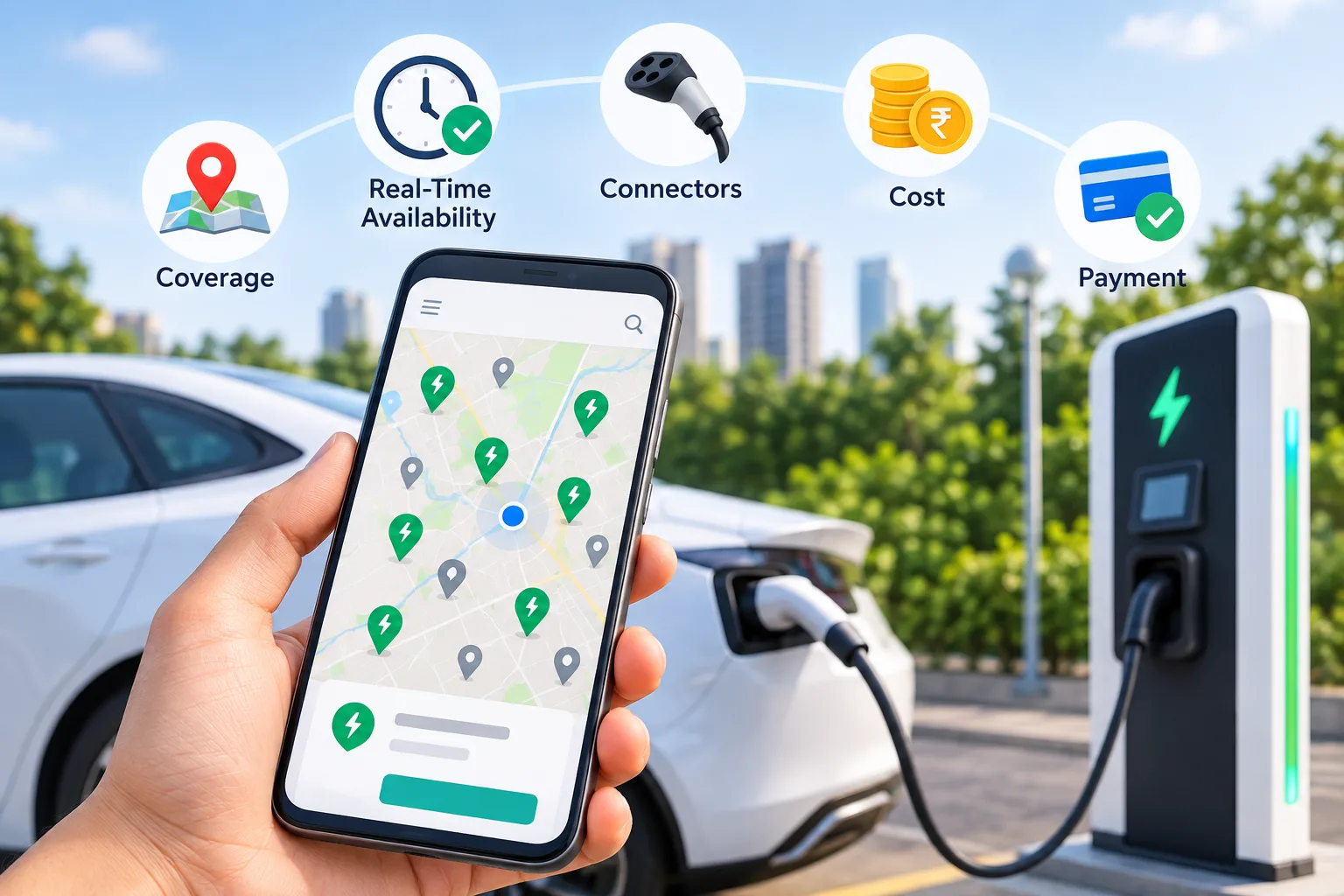
I love cars! When I changed to EV cars, I was surprised by the charging apps. When choosing charging apps to install, look out for:
1.Coverage
Even if there are many charging points nationwide, it may still be sparse within your city. Ensure coverage in your home, workplace and regular motorway routes.
2.Real time availability
If the app does not provide real time availability, and check-ins, it may be that the charger is not working. Make sure to choose an app with real time availability.
3.Connectors
There are certain connectors that cannot be used in place of others. If you can input your car model and filter the charging points by compatible connectors, this is a good choice.
4.Cost
Prices can vary per operator and per charger. Fast DC charging will usually be more expensive than AC charging. Choose apps that are clear on the cost.
5.Payment
This one caught me out! Many charging points have separate wallets meaning it may be difficult to get the correct balance in the right app. Choose apps with easy payment via UPI or card, and aim to have balances in at least 2 accounts.
Reviews
Check for recent reviews. Try to find reviews from within the last few weeks.
Recommended apps
The following are just examples. Each app has its own benefits.
1.MyMotor EV Charging App – Can view 30+ networks in one app. Real time availability, filtering, pricing and one wallet.
2.Tata Power EZ Charge – Good network, particularly on motorways.
3.Statiq – Good coverage in cities. Can see availability of chargers.
4.ChargeZone – Useful between cities.
5.Jio-bp pulse – Fast charging points increasing at petrol stations.
6.Ather Grid – Great for scooters.
7.Google Maps / PlugShare – A good way to get a realistic view of the charging points, due to community comments and pictures.
To avoid
- Don’t rely on availability, check reviews.
- Don’t arrive with 2% charge left.
- Don’t put all money into one wallet.
- Don’t think about the connector types until you get there.
Bonus – Don’t forget to check for Challans!
Many people forget that EV cars can be given challans. As cameras do not care what type of car you have, even if you don’t have a PUC (in general EVs do not require one), you can still get fined. To check if you have any outstanding challans, input your vehicle registration number on the official e-Challan page in Maharashtra or Alternatively, vehicle apps (like MyMotor.in) allows Challan Checking. However, make sure to double check on the official portals before paying.
FAQ
Q.Should you download multiple apps?
A.Ideally yes! 2 or 3 would be good.
Q.Which app should I download?
A.This depends on what city you’re in, and what routes you take. Check for coverage in your area.
Q.Will EV cars get e-Challans?
A.Yes! They get e-challans for the same things as other vehicles.