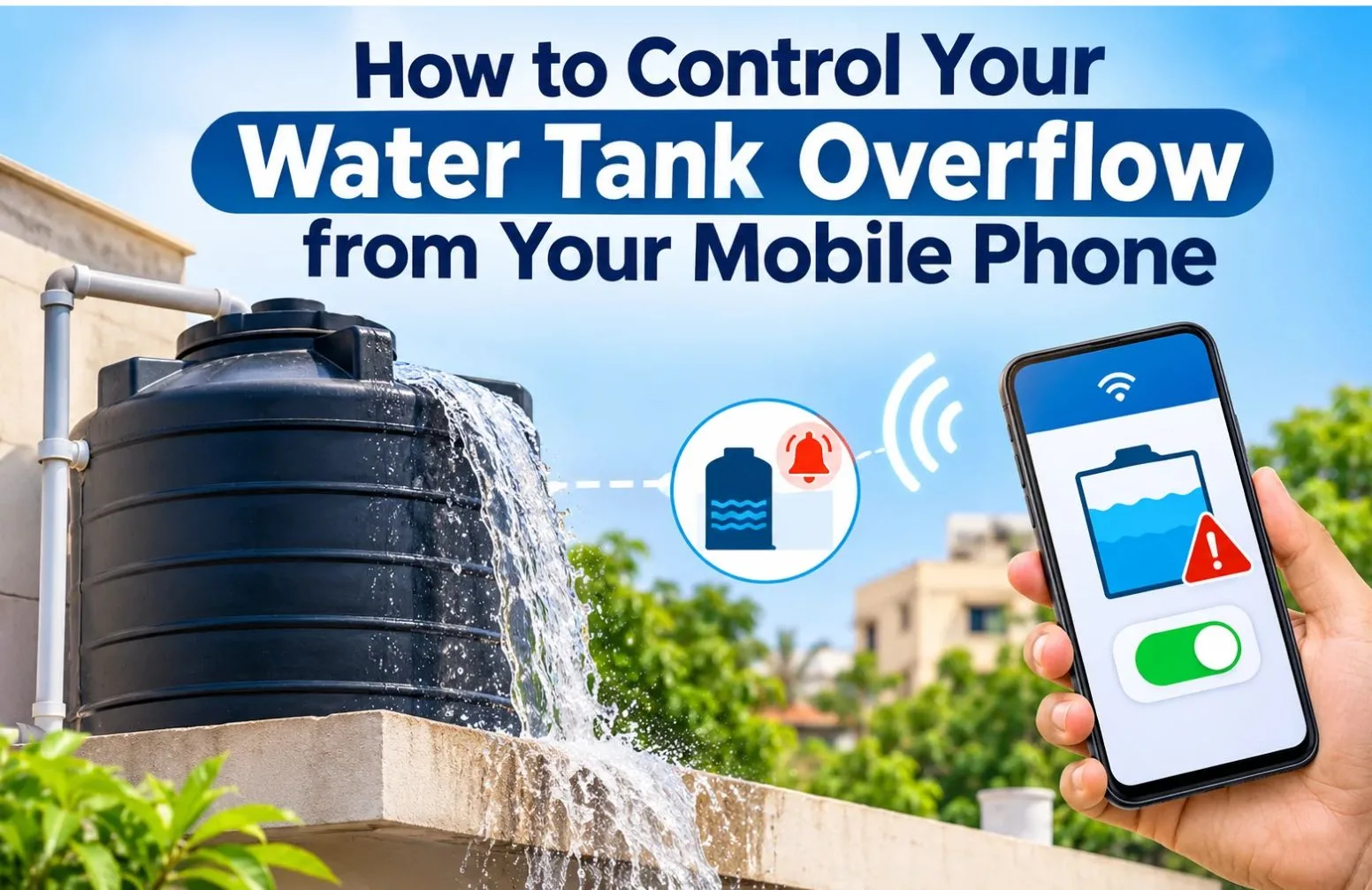
Smart water tank controllers have gained huge popularity in recent years. People across the world find it easy to automate all systems including water tanks.
Water tank overflow is a major issue. If it happens daily, it can waste a lot of our valuable resources that we can’t afford to waste at any cost. Now, with the advanced technology, you can control water tank overflow with your mobile phone. It provides various advantages like:
- It reduces water waste
- Prevents property damage
- Optimizes electricity use
Tracking your water tank manually is such a big task. Also, sometimes you may get busy with another task and forget to monitor water causing lots of water wastage. This is when a smart Water Management App is an ideal option. It helps in performing various tasks with ease like:
- It monitors water levels
- Receive alerts
- Automate the tank-filling process.
What is the truth behind smart water technology?
The device acts as a protective shield between the motor and water tank. If you switch off and on the water flow, it leads to higher power consumption also. This is where a water management app bridges the gap.
- Sensing
Water level sensors are installed in the tank which is used to monitor the water level. They detect when the water level reaches a critical high or low point.
- Communicating
The water level sensor then sends a signal to a central Wi-Fi-enabled controller or smart switch connected to your home network
- Executing
The controller updates its status on a cloud server. It immediately triggers a push notification to your smartphone application. Also, it automatically switches the pump motor off when required.
Why does a water tank overflow?
In most traditional water systems, the pump's operation causes it. When the tank is either empty or low, someone switches on the pump. The pump runs until somebody turns it off. The problem is, nobody notices until the tank is already full. Overflow can happen in various situations, such as:
- When you forget to switch off the pump
- Water level indicator faulty or missing
- Incorrect tank level information
- Errors in manual monitoring
- Problems with pump control
- Delayed reaction when the tank is full
- Automation may reduce dependence on manual monitoring.
Procedure: Step-by-step implementation!
- Installing sensors
First, place Water Level Sensor in the water tank in the right position. If you are installing an ultrasonic sensor, then mount it securely inside the tank ceiling. However, for float switches, hangs the sensor at the maximum water level.
- Wiring the smart controller
Connect the smart relay to the power supply. During installation, make sure the power supply is completely switched off. Wire the sensors to the smart controller's input terminals to feed real-time data into the system.
- Setting up the water management app
Download the water management app for your smart controller. Connect it to your home Wi-Fi network. Add the device to your application dashboard.
- Configure the automation routine.
The magic happens within the application's automated scene. You must configure two primary rules named:
- The auto-off rule: If the water level sensor detects a high or full water level, then turn off the smart pump switch.
- The notification rule: If the pump is turned off due to high water, send a push notification alerting you to a full tank.
Conclusion!
The tank fills and the system responds in milliseconds. It cuts down on the water wastage. Water management in modern homes is a priority to be effective. This is where a mobile-controlled water management app comes as a big relief. It enables you to know if the tank is empty, full or half full without having to check it manually. Your phone is already in charge of much of your everyday life. It can even help you control your water tank with the right automation system.