
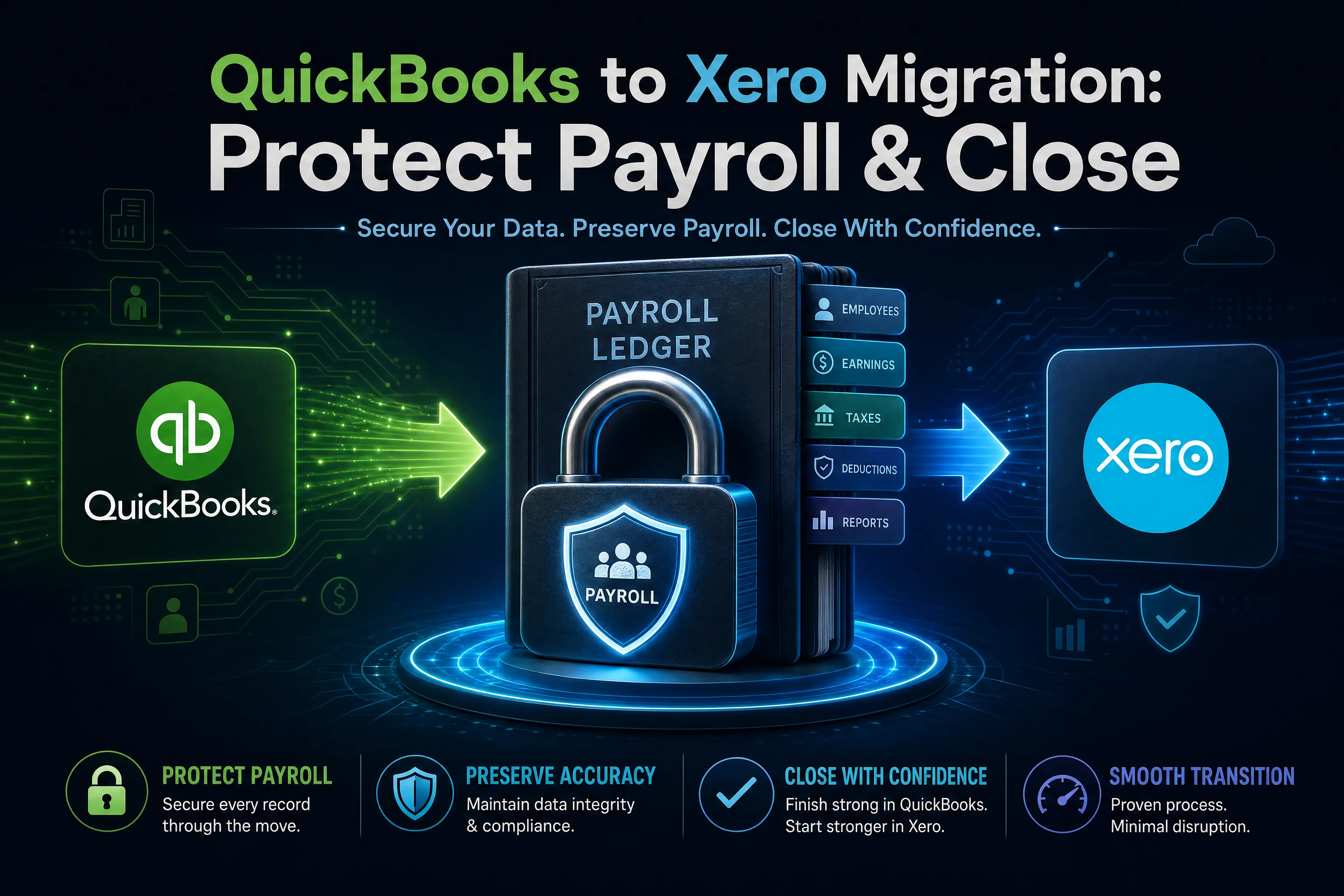
Most accounting firms do not delay a QuickBooks to Xero migration because the software is hard to learn. They delay because two things keep them up at night: payroll has to run on time, and the books have to close cleanly at month-end. Break either one and the cost shows up fast, in late paycheques, frustrated clients, and a reconciliation mess that takes weeks to untangle.
The good news is that neither outcome is inevitable. A QuickBooks to Xero conversion goes sideways when it is rushed or timed badly, not because the move itself is risky. Get the sequence right and your team can switch platforms with payroll and month-end close fully intact. This guide walks through how to do that.
Why timing decides everything in a QuickBooks to Xero migration
The data transfer is the easy part. The hard part is choosing when to do it.
If you migrate in the middle of a pay cycle or a half-closed accounting period, you inherit a tangle of partial records on both sides. Xero shows half a month, QuickBooks shows the other half, and nobody can tell which system holds the truth. That confusion, not the conversion itself, is what disrupts payroll and the close.
Pick a clean break instead. The strongest cutover points are the first day of a new fiscal year, the start of a quarter, or at minimum the first day of a fresh pay period and accounting month. A clean start date means opening balances in Xero line up with closing balances in QuickBooks, and nothing is split across two systems.
Map what actually moves, and what does not
Before you set a date, know exactly what a QuickBooks Desktop to Xero conversion includes. Surprises here are what wreck a payroll run.
A standard migration brings across your chart of accounts, customer and supplier records, the general ledger transaction history, and your trial balance, balance sheet, and profit and loss figures. That is the financial backbone of the business.
Several items do not transfer, and you should plan around them from day one:
- Payroll history
- Bank feeds and saved bank rules
- Bank and credit card reconciliations
- Attachments and source documents
- Budgets
- Memorized or recurring transaction templates
None of these is a flaw in the process. They reflect how the two platforms store data, and every honest QBD migration to Xero will tell you the same. The point is to handle them deliberately rather than discover them after go-live.
The payroll reality
Here is the part firms most often get wrong: payroll history does not migrate. Your year-to-date earnings, deductions, and tax records stay in QuickBooks. They do not appear in Xero on their own.
That sounds alarming until you realize it does not have to disrupt a single pay run. You are not moving payroll. You are starting payroll fresh in Xero on a clean date and keeping QuickBooks as your record of everything before that date.
The month-end close reality
Reconciliations do not carry over either. If your QuickBooks accounts are reconciled up to the cutover date, Xero starts from accurate opening balances and your first close is straightforward. If they are not reconciled, you carry the gaps into the new system. The fix is simple: clean up reconciliations in QuickBooks before you migrate, not after.
A step-by-step plan to protect payroll
Work backward from your cutover date.
- Schedule the switch for the start of a pay period. The start of a quarter or fiscal year is better still, because the year-to-date figures you need to re-enter are smaller and cleaner.
- Run your final pay cycle in QuickBooks and confirm it posted correctly.
- Set up Xero Payroll with current employee details and opening year-to-date figures as of the cutover date. (Exact payroll setup requirements vary by country and tax jurisdiction, so confirm the specifics with your payroll lead or the relevant tax authority.)
- Keep your QuickBooks file as the historical payroll record. You will need it for retention and reporting regardless of which system you run going forward.
- Run the first Xero pay cycle and reconcile the totals against what you expected before you rely on it.
Because payroll history never moves, the migration itself cannot break a pay run. The only thing that can is a sloppy cutover date, and you control that.
A step-by-step plan to protect month-end close
- Reconcile every bank and credit card account in QuickBooks up to the cutover date.
- Run the migration at period-end, so closing balances in QuickBooks become opening balances in Xero.
- Validate the result. Compare the trial balance, balance sheet, and profit and loss in Xero against the same three reports in QuickBooks. If all three match, your opening position is sound.
- Rebuild bank feeds and bank rules in Xero, since these do not transfer.
- Run your first month-end close in Xero with the QuickBooks file open beside you, so you can check any figure that looks off.
That validation step is where confidence comes from. When the three core reports agree across both systems, you know the close will hold.
A real example
Consider a firm running twelve client files on QuickBooks Desktop, several with multiple entities. They set a single cutover date of the first day of their fiscal year. In the weeks before, they reconciled every account and ran final payroll for each entity in QuickBooks. On the cutover date, the files were converted and validated against the three-report comparison, and payroll was set up fresh in Xero with opening year-to-date balances. The first month-end close ran on schedule. No pay run was missed, because the migration never touched live payroll.
Xero vs QuickBooks: why firms are switching now
The pressure behind most moves is the QuickBooks Desktop end-of-support timeline. QuickBooks Desktop 2022 reached end of support in May 2025, the 2023 version in May 2026, and the 2024 version is scheduled for September 2027. Once a version reaches end of support, security updates stop and add-on services, including Desktop payroll, stop working with it.
When firms weigh xero vs quickbooks at that point, the cloud question tends to settle it. Xero runs in a web browser with no annual desktop reinstall, and in the xero vs quickbooks online comparison it appeals to firms that want multi-user access and a clear record of every change without per-version upgrades. That is what turns "someday" into a dated migration plan.
Where WOW BookSwitch fits
WOW BookSwitch handles the QuickBooks Desktop to Xero migration so your team can focus on the cutover plan instead of the mechanics of moving data.
Each file starts at $399 USD and covers the current fiscal year plus the three prior years, with additional years at $100 each. Firms moving 30 or more files receive a 15% volume discount. Most conversions complete within one to three business days, which keeps your disruption window short.
Every migration is validated through a three-report comparison of the trial balance, balance sheet, and profit and loss, backed by a 95% accuracy guarantee. The process combines AI validation with review by a trained accountant, and correcting entries where needed. Six months of WOW Backup and Restore is included, so your converted data is protected while your team settles into Xero.
Make the move on your terms
A QuickBooks to Xero migration does not have to put payroll or month-end close at risk. The risk lives in poor timing and unclear expectations, both of which you can remove. Choose a clean cutover date, reconcile before you move, set payroll up fresh, and validate your opening balances against the three core reports.
Ready to migrate from QuickBooks to Xero without the stress? Talk to WOW BookSwitch about your file count and cutover date, and get a conversion plan built around your payroll and close schedule.
Frequently Asked Questions
1. Can I transfer QuickBooks data to Xero?
Yes. Your chart of accounts, contacts, general ledger transactions, and core balances move across. Some items, including payroll history, bank feeds, and reconciliations, do not transfer and are handled separately during cutover.
2. Is QuickBooks phasing out payroll?
For QuickBooks Desktop, effectively yes on a version-by-version basis. When a Desktop version reaches its end-of-support date, payroll services stop working with it. QuickBooks Online still offers payroll. Intuit's roadmap can change, so confirm current dates directly with Intuit.
3. Will switching to Xero make me miss a pay run?
No, as long as you time the cutover for the start of a pay period and set up Xero Payroll before that date. The migration does not touch live payroll, so a pay run is only at risk if the cutover date is poorly chosen.
4. Does payroll history move from QuickBooks to Xero?
No. Year-to-date payroll records stay in QuickBooks. You set up Xero Payroll fresh with opening year-to-date figures and keep the QuickBooks file as your historical record.
5. How do I protect month-end close during the migration?
Reconcile all accounts in QuickBooks before you move, migrate at period-end, and validate the trial balance, balance sheet, and profit and loss in Xero against QuickBooks. Matching reports mean a clean opening position.
6. How long does a QuickBooks Desktop to Xero conversion take?
Most WOW BookSwitch conversions finish within one to three business days, which keeps the disruption window short.
7. Can I import a CSV file into Xero myself?
Xero does accept CSV imports for certain records, but a manual CSV approach for a full QuickBooks Desktop file is slow and error-prone, and it offers no validation that the numbers landed correctly. A managed conversion with a report comparison is more reliable for complete books.
8. What does a QuickBooks to Xero migration cost?
WOW BookSwitch starts at $399 USD per file, covering the current fiscal year plus three prior years. Additional years are $100 each, and firms migrating 30 or more files receive a 15% volume discount.
9. Does Xero offer a desktop version?
No. Xero is cloud-based and runs in a web browser. There is no installed desktop edition, which is part of why firms leaving QuickBooks Desktop choose it.
10. How accurate is the conversion?
WOW BookSwitch backs each migration with a 95% accuracy guarantee, verified through a three-report comparison of the trial balance, balance sheet, and profit and loss. AI validation, review by a trained accountant, and correcting entries support the result.