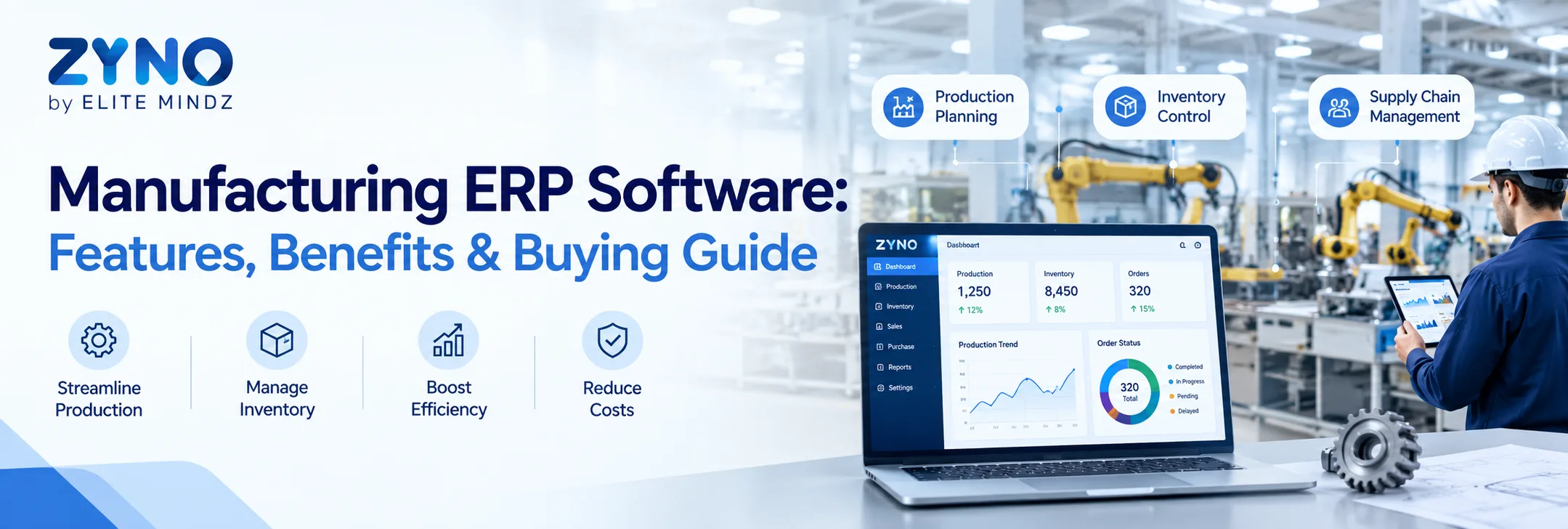
Manufacturing businesses need to coordinate production, inventory, procurement, finance, quality, maintenance, and supply chain operations while meeting customer demand and controlling costs. Managing these processes through spreadsheets or disconnected applications can make it difficult to maintain accurate data and respond quickly to operational changes.
Manufacturing ERP software provides a centralized platform for managing these interconnected activities. It can connect production planning, inventory, purchasing, finance, warehouse operations, and reporting while giving managers greater visibility into business performance.
For businesses planning to buy manufacturing ERP software in 2026, this guide explains the core features, benefits, pricing considerations, deployment options, implementation process, and factors to consider before selecting an ERP platform.
What Is Manufacturing ERP Software?
Manufacturing ERP software is an enterprise resource planning solution designed to manage manufacturing and business operations through an integrated system.
A manufacturing ERP platform can help businesses manage:
- Production planning and scheduling
- Bill of materials (BOM)
- Material requirements planning (MRP)
- Inventory and warehouse management
- Procurement and supplier management
- Shop-floor operations
- Quality management
- Maintenance and asset management
- Finance and accounting
- Sales and order management
- Supply chain operations
- Business intelligence and reporting
Instead of maintaining separate systems for different departments, an ERP platform provides a centralized environment where operational data can be connected.
Why Should Manufacturers Invest in ERP Software in 2026?
Manufacturing environments are becoming increasingly data-driven. Businesses need to manage changing customer demand, supply chain disruptions, raw-material costs, production schedules, and inventory levels.
A modern ERP system can help manufacturers:
- Improve production visibility
- Reduce manual data entry
- Monitor inventory in real time
- Improve procurement planning
- Track manufacturing costs
- Standardize workflows
- Improve reporting
- Connect multiple locations
- Support business growth
Businesses searching for the best manufacturing ERP software should evaluate these capabilities against their specific operational requirements.
Key Features to Look for in Manufacturing ERP Software
1. Production Planning and Scheduling
Production planning allows manufacturers to schedule jobs based on demand, material availability, machine capacity, labor, and delivery requirements.
When evaluating ERP software for manufacturing, check whether the system supports production orders, scheduling, capacity planning, work centers, and production tracking.
2. Bill of Materials Management
A BOM defines the materials, components, quantities, and subassemblies required to manufacture a product.
A strong manufacturing ERP should support multi-level BOMs, revisions, version control, and material planning.
3. Inventory and Warehouse Management
Manufacturers need accurate information about raw materials, work-in-progress inventory, and finished goods.
Look for features such as:
- Real-time stock tracking
- Multiple warehouse management
- Batch and serial number tracking
- Stock transfers
- Reorder levels
- Inventory valuation
- Barcode support
Businesses looking to buy manufacturing ERP software should verify whether inventory functionality can support their current and future warehouse requirements.
4. Procurement and Supplier Management
ERP software can connect purchasing with production and inventory requirements.
Procurement functionality may include purchase requisitions, purchase orders, supplier records, quotation management, approvals, receiving, and invoice processing.
5. Shop-Floor Management
Shop-floor functionality provides visibility into work orders, production progress, machine utilization, labor allocation, and manufacturing performance.
This can help managers identify bottlenecks and monitor planned versus actual production.
6. Quality Management
Quality management features can support inspections throughout the manufacturing process.
Depending on the ERP, businesses may manage incoming inspection, in-process quality checks, finished-product inspection, non-conformance, corrective actions, and compliance records.
7. Maintenance and Asset Management
Manufacturers depend on machinery and equipment to maintain production continuity.
ERP software can support preventive maintenance, maintenance schedules, asset tracking, spare parts, equipment history, and maintenance work orders.
8. Finance and Cost Accounting
Manufacturing ERP should connect operational activities with financial management.
Businesses can monitor production costs, material costs, inventory valuation, expenses, budgets, and profitability.
9. Reporting and Analytics
Modern ERP platforms provide dashboards and reports covering production, inventory, purchasing, sales, finance, and other operational KPIs.
When comparing manufacturing ERP solutions, consider whether reports can be customized according to your management requirements.
Benefits of Manufacturing ERP Software
Better Production Visibility
Managers can monitor production orders, schedules, material availability, and production progress from one platform.
Improved Inventory Control
Real-time inventory information can help reduce stockouts, excess inventory, and unnecessary purchases.
Reduced Manual Work
Automated workflows can reduce repetitive data entry and administrative tasks.
Improved Cost Control
Integrated production and financial data can help businesses understand material, labor, and production costs.
Faster Business Decisions
Centralized dashboards provide managers with quicker access to operational information.
Better Departmental Collaboration
Production, procurement, inventory, finance, sales, and management teams can work from connected information.
Cloud-Based Manufacturing ERP Software
Cloud-based manufacturing ERP software is hosted by the ERP provider and accessed through the internet. It can be suitable for businesses that need remote access, centralized data, scalability, and reduced infrastructure management.
Potential benefits include:
- Remote accessibility
- Faster deployment
- Automatic updates
- Scalable infrastructure
- Centralized data
- Reduced hardware requirements
Before choosing a cloud ERP platform, businesses should evaluate security, integrations, data backup, customization, support, and connectivity requirements.
On-Premise Manufacturing ERP
On-premise ERP software is installed on the organization's own infrastructure. It can provide greater control over the technology environment but generally requires the business to manage hardware, upgrades, maintenance, backups, and IT resources.
The choice between cloud and on-premise ERP depends on business requirements, IT capabilities, security policies, budget, and customization needs.
How Much Does Manufacturing ERP Software Cost?
Manufacturing ERP pricing varies considerably depending on the number of users, modules, deployment model, customization, integrations, implementation services, and support requirements.
Common cost components include:
- Software subscription or license
- Implementation
- Data migration
- Customization
- Third-party integrations
- Employee training
- Support and maintenance
- Infrastructure, where applicable
Businesses comparing manufacturing ERP software pricing should evaluate total cost of ownership rather than looking only at the initial software price.
How to Choose the Best Manufacturing ERP Software
There is no single ERP solution that is best for every manufacturer. The right platform depends on business size, manufacturing model, industry, locations, budget, and operational complexity.
Use the following checklist when comparing ERP vendors:
Define Your Requirements
Document your current production, inventory, procurement, finance, quality, and reporting workflows.
Check Manufacturing Functionality
Ensure the system supports your production model, BOM structure, scheduling requirements, inventory processes, and shop-floor operations.
Evaluate Scalability
The ERP should be capable of supporting additional users, products, warehouses, facilities, and locations as your organization grows.
Review Integrations
Check compatibility with CRM, WMS, MES, accounting, e-commerce, IoT, and other systems used by your organization.
Compare Implementation Support
Ask vendors about implementation timelines, data migration, training, customization, support, and post-launch assistance.
Request a Product Demo
A live ERP demonstration can help your team determine whether the platform can handle real manufacturing workflows.
Calculate Total Cost
Compare subscription or licensing costs together with implementation, integrations, customization, training, and support.
Best ERP Software for Manufacturing in India
Businesses searching for the best ERP software for manufacturing in India should consider both global and locally relevant ERP solutions.
Indian manufacturers may need capabilities related to:
- GST and taxation
- Local accounting
- Multi-location inventory
- Purchase management
- Vendor management
- Production planning
- Financial reporting
- Compliance
- Local support
Rather than selecting an ERP based only on popularity, manufacturers should compare functionality, implementation requirements, pricing, scalability, integrations, and support.
Manufacturing ERP Software for Small and Medium Businesses
Small and medium-sized manufacturers often need ERP software that provides essential manufacturing capabilities without unnecessary complexity.
When evaluating manufacturing ERP software for small businesses, consider:
- Ease of implementation
- Affordable pricing
- Essential production features
- Inventory management
- Procurement
- Accounting integration
- Cloud accessibility
- Scalability
- Customer support
A modular ERP approach can allow businesses to start with essential capabilities and expand as their operational requirements increase.
AI in Manufacturing ERP Software
AI is becoming an important capability within modern ERP platforms. Depending on the solution, AI can support:
- Demand forecasting
- Predictive maintenance
- Inventory recommendations
- Production planning
- Anomaly detection
- Supplier analysis
- Automated document processing
- Natural-language reporting
Manufacturers should evaluate AI features alongside fundamental ERP capabilities rather than selecting a system based solely on AI functionality.
Manufacturing ERP Implementation Process
A successful ERP implementation requires planning and cross-functional involvement.
A typical process includes:
- Define business objectives
- Document existing processes
- Identify ERP requirements
- Shortlist vendors
- Conduct product demonstrations
- Compare pricing and total cost
- Plan integrations
- Prepare and migrate data
- Configure workflows
- Test the system
- Train employees
- Launch the ERP
- Monitor performance
A phased implementation can help organizations identify issues and make improvements before expanding the system across the business.
Manufacturing ERP KPIs to Track
After implementation, manufacturers can track KPIs such as:
- Production efficiency
- Overall equipment effectiveness (OEE)
- Inventory turnover
- Production cycle time
- On-time delivery
- Scrap and rejection rate
- Supplier performance
- Purchase order cycle time
- Stockout frequency
- Production cost
- Forecast accuracy
- Order fulfillment time
These metrics can help organizations evaluate whether their ERP implementation is supporting operational improvements.
Why Consider ZYNO ERP for Manufacturing?
ZYNO ERP is an integrated ERP platform designed to help businesses connect core operational functions through a centralized system. For manufacturing organizations, its capabilities can support areas such as production planning, BOM management, inventory, procurement, finance, and other business operations.
Businesses evaluating ERP software for manufacturing industry can consider ZYNO ERP based on their manufacturing workflows, operational requirements, integration needs, and growth plans.
Final Thoughts
Manufacturing ERP software can provide manufacturers with a centralized platform for managing production, inventory, procurement, finance, quality, maintenance, and other connected processes.
For organizations planning to buy manufacturing ERP software in 2026, the selection process should focus on practical business requirements, manufacturing functionality, scalability, integrations, security, implementation support, usability, and total cost of ownership.
Whether you are looking for cloud-based manufacturing ERP software, an ERP platform for a growing manufacturing business, or an integrated system for multiple facilities, comparing vendors against a clear requirements checklist can help you make a more informed technology investment.
Related Reading: