
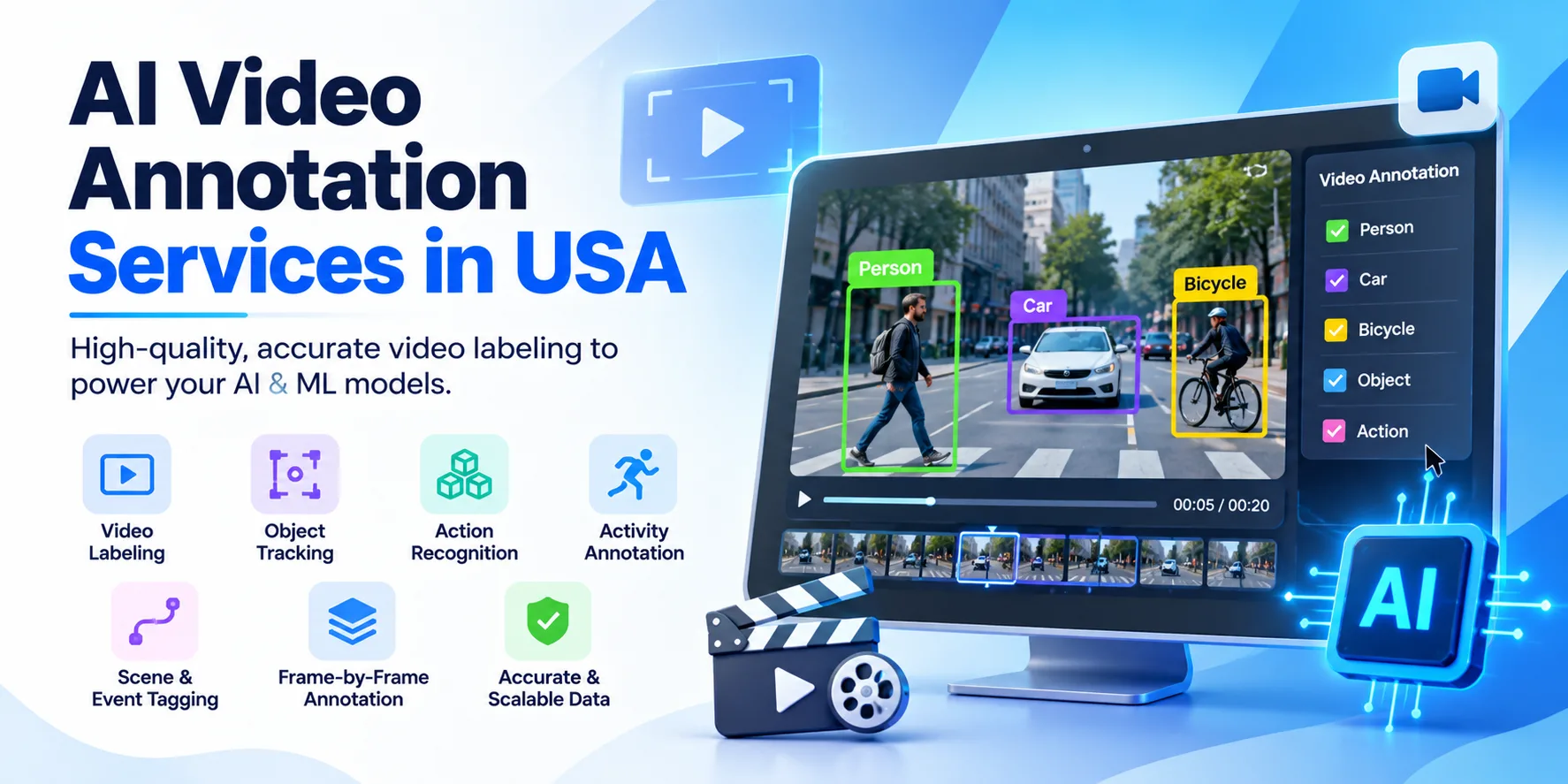
Video data has become an important part of modern AI and machine learning projects. Businesses use video to understand customer behavior, monitor traffic, improve workplace safety, develop autonomous systems, and build computer vision applications. However, collecting video footage is only the first step. For AI models to understand what is happening in a video, the data must be properly labeled, organized, and reviewed.
Working with video data is more complicated than annotating individual images. A video contains multiple frames, moving objects, changing environments, different camera angles, lighting variations, and actions that happen over time. Even a small labeling mistake can affect how a machine learning model understands movement, objects, or events.
This is where AI Video Annotation Services in USA become valuable for businesses developing advanced AI solutions. Professional annotation teams help transform raw video footage into structured, high-quality datasets that support model training and testing.
In this guide, we will explain how businesses can handle complex video data, the common challenges involved, annotation techniques, quality control methods, and how Vision Infotech helps businesses manage video annotation requirements effectively.
What Makes Video Data Complex for AI Training?
Video data contains much more information than a single image. Every second of footage may include dozens of frames, and each frame can contain multiple objects, people, movements, and environmental details.
For example, a video recorded on a busy road may include cars, motorcycles, pedestrians, traffic signals, road signs, and changing weather conditions. An AI model must understand not only what these objects are but also how they move and interact.
Businesses using AI Video Annotation Services often deal with several types of complexity.
1. Continuous Movement Across Frames
Objects do not remain in the same position throughout a video. A vehicle may turn, a pedestrian may cross the road, or a person may pick up an object.
Annotators must maintain consistent labels across multiple frames so that AI models can understand movement patterns rather than treating every frame as a separate image.
2. Changing Lighting and Camera Conditions
Videos may be recorded during the day, at night, indoors, outdoors, or in different weather conditions. Objects can become difficult to identify because of shadows, reflections, low visibility, or camera movement.
These variations require careful annotation decisions to avoid incorrect labels.
3. Multiple Objects in the Same Scene
Complex videos often contain several objects moving at the same time. For example, warehouse footage may show workers, forklifts, pallets, safety equipment, and packages.
Annotators must identify each object correctly and avoid mixing labels when objects overlap or move close together.
4. Understanding Actions and Events
Some AI applications need to understand what a person or object is doing, not simply identify it.
Examples include:
- A person walking, running, sitting, or falling
- A worker lifting or carrying equipment
- A vehicle stopping, turning, or changing lanes
- A customer picking up a product
- A machine operating or becoming inactive
Accurately identifying these activities requires understanding the context of the video.
Types of Video Annotation Used for Complex Data
The annotation method depends on the business application, the type of video, and the AI model being developed. Choosing the right technique helps improve dataset quality and reduces unnecessary annotation work.
1. Bounding Box Annotation
Bounding box annotation involves drawing rectangular boxes around objects in video frames.
It is commonly used to identify:
- Vehicles
- Pedestrians
- Animals
- Products
- Machinery
- Road signs
For example, in traffic monitoring footage, annotators can draw boxes around cars, trucks, bicycles, and pedestrians. These labels help computer vision models detect objects in different locations and situations.
Bounding boxes are useful for object detection tasks, but they may not provide enough detail when objects have irregular shapes.
2. Polygon Annotation
Polygon annotation is used when objects have complex shapes that cannot be accurately represented by rectangular boxes.
Annotators create points around an object's boundaries to identify its visible shape.
This technique is useful for:
- Road surfaces
- Vehicles
- Human bodies
- Medical objects
- Industrial equipment
- Irregular products
Polygon labels help AI models understand object boundaries more precisely, particularly when the shape of an object is important to the application.
3. Semantic Segmentation
Semantic segmentation assigns a category to each pixel in a video frame.
For example, a road scene may be divided into pixels representing roads, sidewalks, buildings, vehicles, pedestrians, trees, and sky.
This approach is valuable for autonomous driving, robotics, smart city applications, and other computer vision projects that require detailed scene understanding.
4. Object Tracking
Object tracking involves identifying the same object across multiple video frames.
For example, a car entering a camera's view should retain its identity as it moves through the scene, even when its position changes.
Tracking helps AI models understand movement, direction, speed patterns, and object behavior.
It is particularly useful in traffic analysis, retail analytics, surveillance systems, sports analytics, and industrial monitoring.
5. Action and Activity Annotation
Action annotation focuses on identifying activities performed by people or objects over time.
Examples include walking, running, jumping, lifting, opening doors, operating machines, and interacting with products.
This type of annotation supports human activity recognition models and applications that need to understand events rather than simply detect objects.
How AI Video Annotation Services in USA Handle Complex Video Data
Handling complex video data requires a structured workflow. Businesses should not rely only on annotation speed because accuracy, consistency, and clear guidelines are equally important.
Step 1: Understand the Project Requirements
Before starting annotation, the team should understand the purpose of the dataset.
Questions to consider include:
- What type of AI model will use the data?
- Which objects or activities need to be labeled?
- How much detail is required?
- What annotation format is expected?
- Are there specific accuracy requirements?
- How will the dataset be used for training, validation, or testing?
For example, a retail analytics project may need to identify customer movements and interactions with products, while an autonomous vehicle project may require detailed labels for vehicles, pedestrians, road markings, and traffic conditions.
Clear requirements prevent confusion during annotation and help teams produce useful datasets.
Step 2: Review and Organize Video Files
Large video datasets can contain thousands of files with different resolutions, durations, formats, and recording conditions.
The first step is to organize footage according to project requirements.
Video files may be categorized by:
- Location
- Camera type
- Recording date
- Activity
- Environment
- Object category
- Video quality
This organization makes it easier to assign annotation tasks, identify missing data, and manage the project efficiently.
Step 3: Create Detailed Annotation Guidelines
Annotation guidelines help different annotators follow the same labeling rules.
A good guideline document should explain object categories, labeling definitions, edge cases, frame selection, tracking rules, and how to handle unclear footage.
For example, if a pedestrian is partially hidden behind a vehicle, the guideline should explain whether the annotator should label the visible portion, mark the object as occluded, or skip it based on project requirements.
Without clear instructions, different annotators may label the same scene differently. This inconsistency can affect the performance of the trained model.
Step 4: Select the Appropriate Annotation Technique
Not every video requires the same annotation method.
Some projects need bounding boxes, while others require polygons, segmentation masks, keypoints, or tracking IDs.
The annotation team should select a method based on the model's purpose and the level of detail required.
Using overly detailed annotation methods when they are not necessary can increase project cost and turnaround time. On the other hand, using simple labels for a complex computer vision task may result in a dataset that is not suitable for training.
Step 5: Annotate Objects and Maintain Consistency
Annotators work through video frames while following the project's labeling rules.
When objects move across frames, their labels and identities should remain consistent wherever the task requires it.
For example, if a video shows three vehicles moving through an intersection, each vehicle should retain its assigned tracking identity throughout the relevant sequence.
Consistency is particularly important when objects temporarily disappear behind other objects or leave and re-enter the camera's view.
Professional AI Video Annotation Services use structured workflows to manage these requirements and reduce inconsistencies across large datasets.
Step 6: Perform Quality Checks
Quality control should be included throughout the annotation process, not just at the end.
Reviewers check whether objects have been missed, labels are incorrect, boundaries are inaccurate, tracking IDs have changed unexpectedly, or annotation instructions have been followed incorrectly.
Depending on the project, quality checks may include sample reviews, full inspections of selected videos, automated validation, and corrections by annotators.
The purpose is to ensure that the final dataset is reliable enough for its intended use.
Common Challenges in Complex Video Annotation
Even with a well-organized workflow, video annotation projects can face several challenges.
Occlusion and Overlapping Objects
Objects may become partially or completely hidden behind other objects.
For example, a pedestrian may walk behind a parked vehicle, or a warehouse worker may move behind a shelf.
Annotators need clear rules for handling visibility, object identity, and tracking continuity.
Motion Blur and Fast Movement
Fast-moving objects may appear blurred in footage. Sports videos, traffic recordings, and industrial camera footage often contain these situations.
Annotators must carefully identify visible objects without making unsupported assumptions about unclear details.
Long Videos and Large Datasets
Annotating long videos manually can require significant time and resources.
Businesses may need thousands of hours of footage labeled within specific deadlines. A scalable workflow, task distribution, progress monitoring, and consistent review processes are essential for managing large projects.
Inconsistent Labels
When multiple annotators work on the same dataset, differences in labeling decisions can create quality issues.
For example, one annotator may label a partially visible vehicle while another may skip it. These differences can make training data less consistent.
Standardized guidelines, reviewer feedback, and regular calibration exercises help reduce such problems.
Difficult Environments
Complex environments such as crowded streets, factories, construction sites, and outdoor locations may contain unusual objects, poor lighting, and unpredictable movement.
Teams need clear instructions for difficult scenes and should identify uncertain cases for review instead of forcing inaccurate labels.
Real-World Applications of AI Video Annotation Services in USA
Businesses across different industries use annotated video data to develop and improve computer vision applications.
Autonomous Vehicles and Transportation
Self-driving and driver-assistance systems depend on video data to identify road users, road boundaries, traffic signs, and movement patterns.
Annotation helps models learn how vehicles, cyclists, and pedestrians behave in different traffic situations.
Retail and Customer Behavior Analysis
Retail businesses use video analytics to understand customer movement, product interactions, store activity, and queue patterns.
Annotated footage can help train models to recognize customer actions and identify specific events within a store environment.
Healthcare and Medical Research
Video annotation can support research involving patient movement, rehabilitation exercises, clinical activities, and medical procedures.
Labels may identify body movements, activities, instruments, or specific events depending on the research objective and data privacy requirements.
Manufacturing and Industrial Operations
Manufacturing companies may use computer vision to monitor production lines, detect operational issues, identify equipment movement, and improve workplace safety.
Annotated videos help models recognize objects, activities, and unusual events within industrial environments.
Sports Analytics
Sports video annotation can identify players, track movement, label actions, and recognize events such as passes, shots, and tackles.
These datasets can support performance analysis, player tracking, and automated sports analytics systems.
How to Improve Video Annotation Quality and Efficiency
Businesses can improve the quality of their datasets by following practical steps.
Use Clear and Consistent Labeling Rules
Create guidelines that explain every label, including examples of difficult cases. Update the guidelines when new situations arise during the project.
Prioritize Difficult Frames
Frames containing overlapping objects, low visibility, unusual movements, or ambiguous activities should receive additional attention.
Reviewing these cases helps reduce mistakes that may otherwise affect model training.
Combine Human Review With Automated Tools
Automated tools can assist with object detection, tracking, and pre-labeling. Human annotators can then verify the results, correct errors, and handle difficult cases.
This approach can improve productivity while maintaining the accuracy required for complex projects.
Monitor Quality Throughout the Project
Do not wait until the entire dataset is completed before reviewing annotation quality.
Regular quality checks allow teams to identify recurring errors early, provide feedback, and prevent the same mistakes from affecting thousands of frames.
Choose a Scalable Workflow
A scalable workflow should support increasing video volumes without compromising labeling consistency.
Task allocation, progress tracking, clear communication, reviewer availability, and organized delivery formats all contribute to efficient project management.
Why Choose Vision Infotech for AI Video Annotation Services in USA?
Vision Infotech helps businesses manage data-related requirements for AI and machine learning projects through structured annotation workflows and project-focused support.
When handling complex video data, businesses need more than labels. They need a team that understands project requirements, annotation consistency, dataset quality, and the importance of delivering organized data for AI development.
Structured Annotation Workflows
Vision Infotech focuses on understanding project requirements before beginning annotation. This helps establish appropriate labeling methods, category definitions, and project guidelines.
Support for Different Video Annotation Requirements
Video projects may involve object detection, tracking, segmentation, activity recognition, and other labeling requirements. The annotation approach can be planned according to the specific dataset and application.
Quality-Focused Approach
Quality checks and guideline-based annotation help identify labeling inconsistencies, missed objects, and incorrect annotations. Reviewing challenging video frames is an important part of producing dependable datasets.
Scalable Project Support
Businesses may have small video annotation requirements or large datasets that need ongoing support. Vision Infotech can help businesses plan annotation workflows according to their project scope, data volume, and delivery requirements.
Business-Focused Communication
Clear communication helps annotation teams understand changing requirements, resolve difficult cases, and maintain consistency throughout a project.
For businesses looking for AI Video Annotation Services in USA, working with a team that understands the importance of organized data, accurate labels, and quality-focused workflows can help make AI development more manageable.
Conclusion
Complex video data requires careful planning, accurate labeling, consistent tracking, and reliable quality control. Businesses cannot expect AI models to understand movement, activities, or changing environments properly when their training datasets contain inconsistent or incomplete annotations.
Choosing the right annotation techniques, creating clear guidelines, reviewing difficult frames, and maintaining quality throughout the workflow can make a significant difference in dataset reliability.
AI Video Annotation Services in USA help businesses turn raw video footage into structured data that supports computer vision, machine learning, and AI development. Whether a project involves autonomous vehicles, retail analytics, manufacturing, healthcare research, or sports applications, the quality of annotation directly influences the usefulness of the training dataset.
Vision Infotech supports businesses with structured video annotation workflows, project-specific labeling requirements, and quality-focused data preparation. By taking a practical approach to complex video data, businesses can build more reliable datasets and move forward with their AI development goals.
Choosing the right annotation partner is an important step toward building AI systems that can interpret real-world video accurately and consistently.