Introduction
Mobile applications have become an essential part of modern business operations. From online shopping and financial services to healthcare, transportation and digital entertainment, businesses increasingly rely on mobile technology to connect with customers and deliver convenient services.
Android app development provides organizations with opportunities to reach audiences across a diverse range of smartphones, tablets and compatible devices.
However, building a successful Android application requires more than developing an attractive interface. Businesses must consider application performance, device compatibility, security, backend infrastructure and ongoing maintenance.
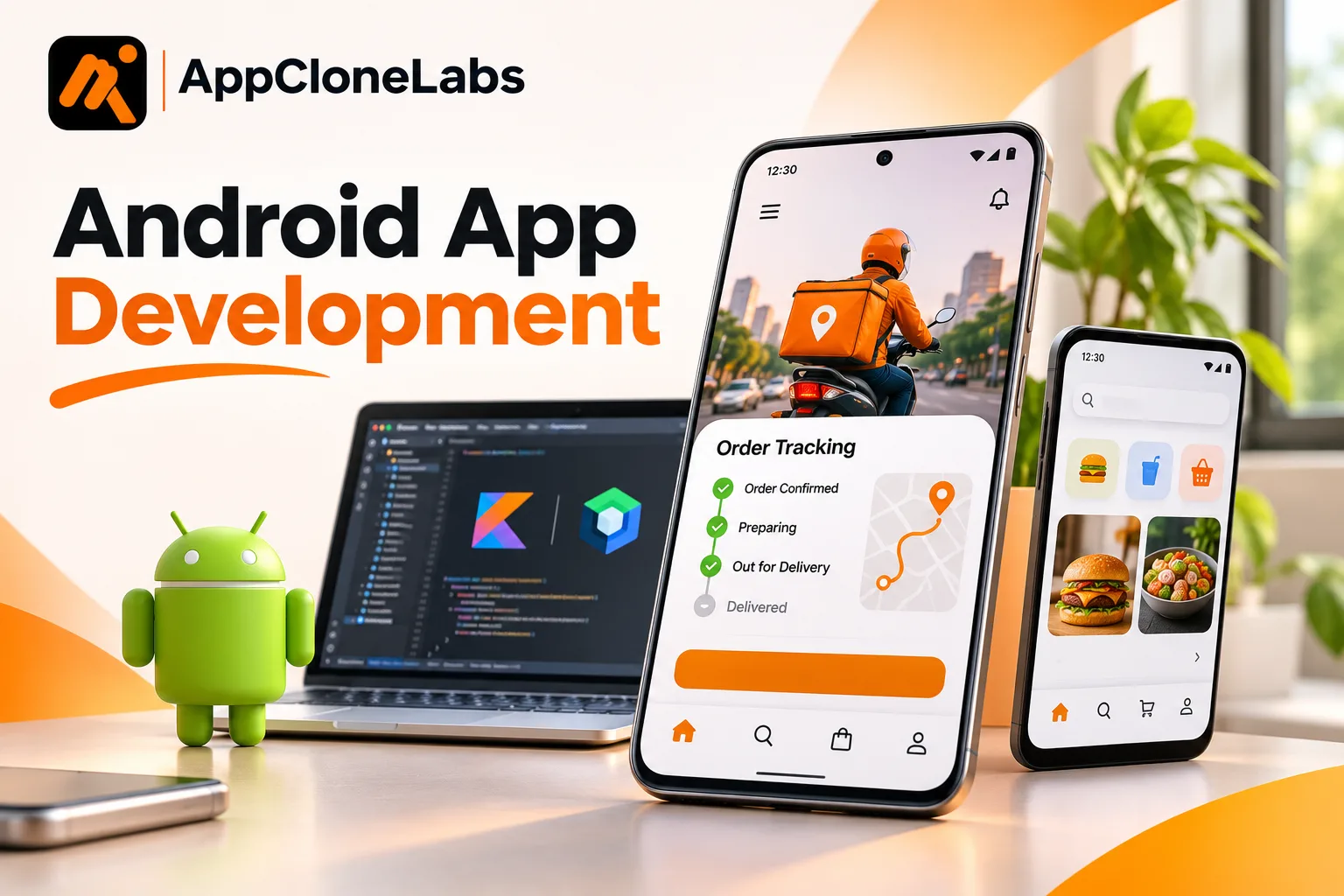
Modern technologies such as Kotlin and Jetpack Compose enable developers to create responsive native applications tailored to specific business requirements.
With a well-planned development strategy, organizations can improve customer engagement, streamline operations and establish new digital revenue opportunities.
What Is Android App Development?
Android app development is the process of designing, developing, testing and distributing software applications for devices running the Android operating system.
Developers can use Kotlin, Java and Android Studio to create native applications that interact directly with supported operating system capabilities.
These applications can integrate payment systems, location services, cameras, notifications, databases and cloud infrastructure.
Native Android development is particularly useful when businesses require specialized device functionality, platform-specific features or greater control over application behavior.
The development approach should reflect the organization's target audience, commercial objectives and technical requirements.
Why Businesses Invest in Android App Development
Access to a Diverse Mobile Audience
Android supports devices across different manufacturers, screen sizes and price categories.
Businesses can develop applications for customers using both affordable smartphones and premium devices.
However, this diversity makes device compatibility testing an important development consideration.
Customized Business Functionality
Native Android applications can incorporate features tailored to specific industries and operational requirements.
Businesses can develop specialized workflows for customer service, inventory management, delivery coordination and digital transactions.
Improved Customer Engagement
Mobile applications provide a direct communication channel between businesses and customers.
Personalized recommendations, relevant notifications and convenient account management can encourage customers to return and interact with digital services.
Flexible Revenue Opportunities
Android applications can support product sales, premium memberships, subscriptions, advertising and service bookings.
Businesses should select monetization features according to customer preferences and applicable Google Play requirements.
Essential Technologies Used in Android App Development
Kotlin Programming Language
Kotlin is a modern programming language widely used for native Android development.
Its concise syntax and null-safety features help developers create maintainable applications while reducing certain common programming errors.
Kotlin also supports interoperability with Java, making it useful when modernizing existing Android applications.
Jetpack Compose
Jetpack Compose is Android's recommended modern toolkit for developing native application interfaces.
Its declarative approach allows developers to create responsive layouts, interactive components and adaptive user experiences.
Android Developers+1
Businesses can use Compose to establish consistent visual designs across supported devices.
Room Database
Room provides a structured approach to managing local application data.
It can support offline access to previously downloaded information, saved preferences and other application records.
Local storage should be combined with appropriate synchronization and security procedures.
WorkManager
WorkManager supports persistent background tasks that need to execute under appropriate conditions.
Examples include synchronizing saved records and retrying interrupted uploads. Android's official architecture guidance recommends considering WorkManager for processing persistent offline queues.
Android Developers
Android Studio
Android Studio provides tools for application development, debugging, device simulation and performance analysis.
Development teams can use these capabilities to identify software defects and evaluate application behavior before production deployment.
Key Features of Modern Android Applications
Businesses should select application features according to customer requirements and operational objectives.
Common Android application capabilities include:
- Secure authentication and account management.
- Responsive and accessible interfaces.
- Payment gateway integration.
- GPS and location-based services.
- Offline data access and synchronization.
- Push notifications and personalized alerts.
- Camera and hardware integrations.
- Search and filtering functionality.
- Customer support tools.
- Performance and business analytics.
Prioritizing essential features during the initial development phase helps businesses manage complexity and control investment.
The Android App Development Process
1. Business Requirements and Device Planning
Development begins by identifying business objectives, target audiences and essential application functionality.
Teams should determine supported Android versions, screen sizes, languages and device categories before implementing major features.
Testing requirements should include representative affordable smartphones rather than focusing exclusively on premium devices.
2. UI/UX Design
Designers create wireframes, prototypes and application layouts that reflect Android interaction conventions.
Accessible navigation, readable typography and adaptive interfaces help customers interact with applications across different screen sizes.
3. Architecture and Application Development
Developers implement interface components, business logic, backend services and necessary native integrations.
Separating application responsibilities into maintainable software modules helps simplify testing and future improvements.
Offline behavior, interrupted requests and synchronization conflicts should be addressed during development.
4. Testing and Performance Optimization
Quality assurance should evaluate startup speed, memory consumption, responsiveness and application stability.
Testing under limited connectivity and on lower-memory devices helps identify problems that might remain unnoticed in ideal development environments.
Teams should also evaluate authentication failures, interrupted transactions and background task behavior.
5. Google Play Deployment
After testing, businesses can prepare application bundles, screenshots, privacy disclosures and store descriptions for submission.
A staged rollout can help existing applications introduce updates gradually while monitoring stability.
6. Maintenance and Continuous Improvement
Application development continues after release.
Businesses should monitor crash reports, customer feedback, operating system compatibility and software dependencies to maintain reliable experiences.
Industries That Benefit From Android App Development
Native Android applications support a wide range of commercial and operational activities.
E-commerce: Product discovery, shopping carts, secure checkout and order management.
Healthcare: Appointment scheduling, patient communication and authorized medical information access.
Fintech: Digital wallets, investment dashboards and financial transaction management.
Food Delivery: Restaurant discovery, online ordering and real-time delivery tracking.
Transportation and Logistics: Ride booking, fleet management, shipment tracking and driver communication.
Education: Digital learning materials, assessments and student dashboards.
Entertainment: Video streaming, creator communities and subscription-based content.
Each industry introduces different security, performance and integration requirements that should influence development decisions.
Native Android vs. Cross-Platform Development
Native Android development is particularly suitable for applications requiring extensive hardware access, background operations, Bluetooth connectivity, NFC or specialized Android features.
Cross-platform frameworks such as Flutter and React Native may be more appropriate when businesses need to launch comparable iOS and Android applications using shared software components.
The appropriate development strategy depends on technical requirements, available resources and long-term maintenance objectives.
What Influences Android App Development Costs?
Android application development costs depend on several factors:
- Application complexity and feature requirements.
- Custom interface design.
- Backend infrastructure and API integrations.
- Native hardware integration.
- Security and performance testing.
- Supported devices and operating systems.
- Deployment and ongoing maintenance.
Launching a minimum viable product can help businesses validate customer demand before investing in additional features.
Organizations should also account for recurring infrastructure expenses and future software updates.
Choosing the Right Android App Development Company
An experienced development partner should provide maintainable application architecture, comprehensive testing and transparent software ownership arrangements.
AppCloneLabs Android app development services focus on native Kotlin and Jetpack Compose development, offline-aware data management, real-device testing and controlled Google Play releases.
The company also describes handing over the source repository, release automation configuration and upload key under the client's organizational control.
App Clone Labs
Businesses should evaluate these deliverables alongside technical expertise, communication practices and post-launch maintenance requirements.
Conclusion
Android app development offers businesses a flexible foundation for creating customer-focused mobile applications and improving operational efficiency.
By combining Kotlin, Jetpack Compose and suitable backend technologies, organizations can develop responsive applications that support diverse customer requirements.
Successful development requires careful planning, dependable integrations, comprehensive device testing and ongoing maintenance.
Whether launching a startup or modernizing an existing digital service, investing in a well-planned native Android application can support customer satisfaction, business innovation and sustainable growth.