Finding useful information online is easy. Finding that same information three months later is often much harder.
Browser bookmarks become overcrowded, downloaded files disappear into random folders, and valuable educational videos get buried beneath endless playlists.
A personal digital resource library solves this problem by giving important information a permanent and organized place in your digital environment.
Collect Information with a Purpose
The biggest mistake when building a digital library is saving everything that looks interesting.
A useful collection should reflect your actual interests, responsibilities, and learning goals.
Before saving something, ask yourself whether it solves a problem, supports an ongoing project, or contains information you are likely to revisit.
Being selective from the beginning makes the collection easier to maintain and more valuable over time.
Create a Simple Organizational Structure
Complicated folder systems often become difficult to maintain. Start with a few broad categories and introduce smaller sections only when necessary.
A personal resource library might include:
- Educational materials
- Technology and programming
- Professional development
- Personal projects
- Reference documents
- Audio and video resources
Someone learning web development might create separate folders for JavaScript, CSS, databases, and application deployment.
The structure should reflect how you search for information rather than how you originally discovered it.
Choose the Right Format for Each Resource
Different types of information benefit from different file formats.
PDF documents are useful for preserving formatted reference materials, while plain text and Markdown work well for searchable notes. MP4 is suitable for visual demonstrations, and MP3 can be convenient for recorded discussions and lectures.
Browser-based utilities such as ytdown.tools offer MP4 and MP3 conversion options for authorized YouTube downloads, allowing users to select a format suited to their learning needs and available storage.
A recorded discussion may require only audio, whereas a detailed software demonstration needs sufficient video quality to preserve important visual details.
Rather than automatically choosing the highest available quality, consider how you intend to use each resource. Selecting appropriate formats helps reduce unnecessary storage consumption and makes your digital library easier to manage across different devices.
Give Files Meaningful Names
A file named video_001.mp4 provides very little information about its contents.
Descriptive filenames make resources easier to identify without opening them individually.
For example:
- javascript-async-programming.mp4
- database-design-fundamentals.pdf
- introduction-to-networking.mp3
- web-development-reference.md
Adding a year or version number can also be helpful when dealing with documentation that changes over time.
Consistency matters more than developing an elaborate naming system.
Add Context Through Personal Notes
Saving a resource preserves information but adding a short note explains why that information matters.
A useful note might contain the original source, a brief summary, important timestamps, or an explanation of how the resource relates to a particular project.
For a lengthy educational video, recording the timestamps of important explanations can save considerable time during future reviews.
This approach gradually transforms a collection of files into a personalized knowledge base.
Separate Active Resources from Archives
Not every saved resource needs to remain immediately accessible.
Materials related to current projects should be easy to find, while older resources can be moved into an archive.
A simple three-folder system can work surprisingly well:
- Inbox: Recently collected resources awaiting review.
- Active: Materials currently being used.
- Archive: Resources retained for future reference.
This separation prevents older information from overwhelming current priorities.
Make Your Library Searchable
Folder organization is helpful, but search becomes increasingly important as a collection grows.
Descriptive filenames, consistent terminology, transcripts, and short written summaries make resources easier to discover.
For example, adding a text summary alongside an educational recording allows you to search for specific concepts without manually reviewing every media file.
The more context associated with a resource, the easier it becomes to locate when needed.
Protect Important Resources
A digital collection stored on a single device remains vulnerable to hardware failure, accidental deletion, and other unexpected problems.
Important resources should have reliable backups.
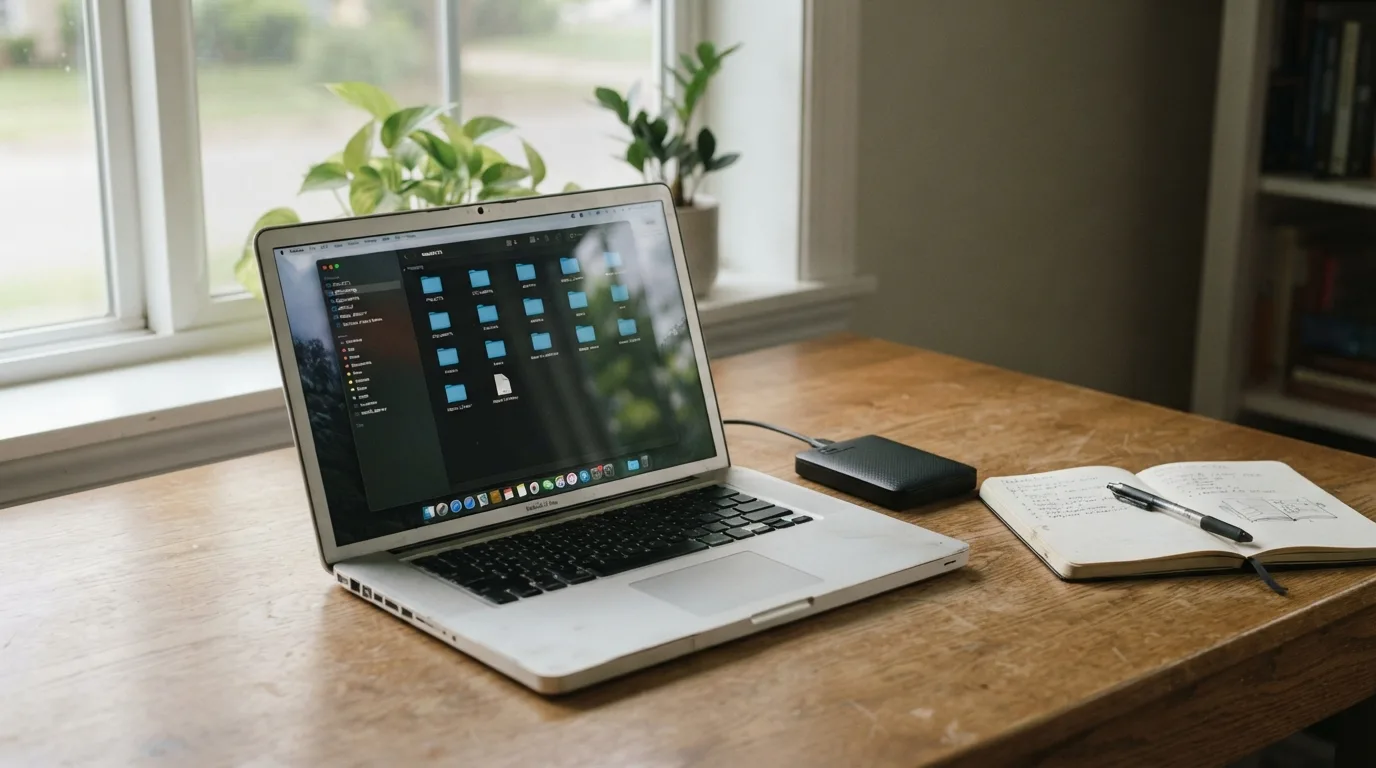
An external drive or trusted cloud storage service can provide an additional copy. Particularly valuable materials may benefit from multiple independent backups.
Remember to preserve information about the original source and respect copyright, licensing requirements, and creator permissions when maintaining your collection.
Review the Collection Regularly
A digital library should evolve alongside your interests and responsibilities.
Outdated tutorials, duplicate documents, irrelevant bookmarks, and unused recordings can gradually reduce its usefulness.
Set aside a short period each month to review newly collected resources, improve filenames, delete unnecessary files, and organize important information.
Regular maintenance is easier than attempting to reorganize several years of accumulated content at once.
A Library Should Support Action
The success of a personal digital resource library is not measured by the number of files it contains.
Its real value becomes apparent when you can quickly find a useful explanation, revisit a difficult concept, complete a project, or solve an unfamiliar problem.
Start with a small collection of genuinely useful resources. Keep the organizational system simple and improve it as your needs change.
A well-maintained digital library does more than preserve information. It turns scattered resources into knowledge that remains accessible when you need it most.