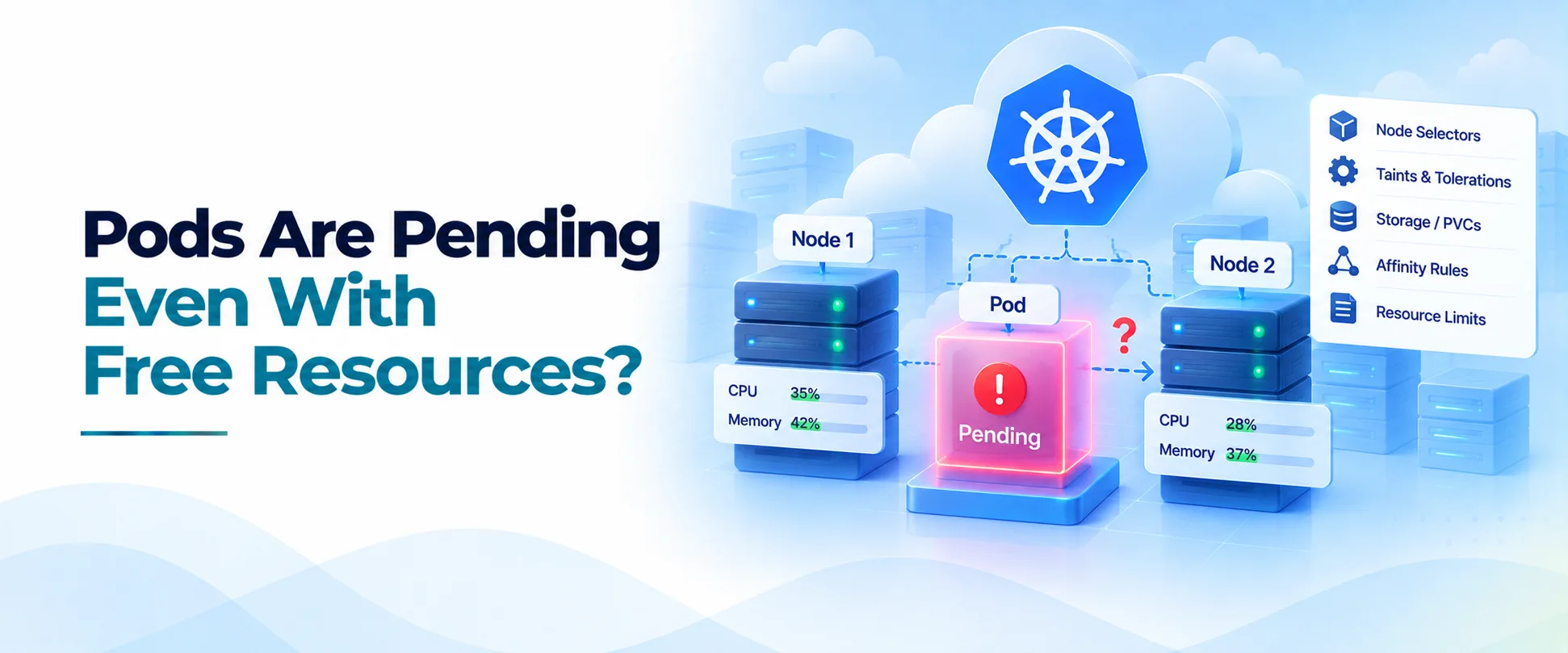
One of the most misleading Kubernetes dashboards is a cluster showing plenty of unused CPU and memory while several Pods remain Pending.
I have seen engineers respond by adding nodes immediately.
That sometimes works, but it often hides the real issue.
Kubernetes scheduling is not a search for any machine with spare resources.
The scheduler looks for a node that satisfies every hard requirement attached to the Pod.
CPU and memory are only two of those requirements.
I look at scheduler events first
When a Pod is Pending, I start with scheduling events.
I want Kubernetes to tell me why candidate nodes were rejected.
Messages about insufficient CPU are straightforward.
Messages about taints, affinity, volume topology, host ports, or topology spread rules reveal a different problem.
I avoid making infrastructure changes until I understand those rejection reasons.
Free usage is not free schedulable capacity
Monitoring systems usually show actual utilization.
The Kubernetes scheduler cares heavily about requests.
Those are different numbers.
A node using only 25 percent of its CPU can still be unable to accept another Pod if existing Pods have requested most of the node's allocatable capacity.
This is deliberate.
Scheduling based only on current usage would make workload placement unpredictable during traffic spikes.
I therefore compare Pod requests with node allocatable resources rather than relying on a CPU utilization chart.
Over-requesting can create the appearance of capacity scarcity even when the machines are physically quiet.
Taints can exclude otherwise perfect nodes
A node may have enormous spare capacity and still be completely unavailable to a Pod because of a taint.
I see this frequently with GPU pools, database nodes, system pools, Spot workers, and special hardware.
Taints are valuable because they protect specialized capacity.
The mistake is adding new node pools without updating tolerations and workload placement policies.
If scheduler events mention taints, I confirm whether the workload should actually be allowed there.
I do not add a toleration merely to make the Pending state disappear.
Affinity can shrink the cluster dramatically
Hard node affinity can turn a twenty-node cluster into a two-node scheduling pool.
Pod anti-affinity can reduce the options further.
I check labels carefully, especially labels representing zone, node type, GPU model, environment, architecture, and workload class.
Stale labels after a node pool migration are a common source of failures.
A broader overview of these scheduling and architecture relationships is covered in AceCloud's Kubernetes architecture guide.
Topology rules can reject available capacity
Topology spread constraints are another source of confusion.
A team may correctly require replicas to be spread across zones, then discover that one zone has no eligible capacity.
The cluster may have plenty of resources elsewhere, but placing the Pod there would violate the spread rule.
That is Kubernetes protecting the availability policy the team configured.
The solution may be adding capacity to the missing topology domain rather than adding random nodes.
Storage can block scheduling
Pending Pods with PVCs need special attention.
A volume may exist only in a particular zone.
A StorageClass using delayed binding may wait for the scheduler to select a compatible node.
An incorrect combination of node affinity and storage topology can make every option invalid.
I inspect both Pod events and PVC events.
For stateful workloads, scheduling and storage placement should always be investigated together.
Host ports and extended resources matter too
Pods requesting host ports can conflict even when CPU and memory are available.
Extended resources create another layer.
GPUs and other devices are scheduled as specific resources.
A node with abundant CPU does not help a Pod requesting an unavailable accelerator.
The same logic applies to specialized resources exposed through device plugins.
I check whether autoscaling understands the constraint
Adding a generic node does not help if the Pod requires a node label, GPU type, availability zone, or taint that the new node does not satisfy.
Node groups must match the workload's scheduling requirements.
That is why I prefer cluster platforms where node groups are treated as explicit workload classes. AceCloud Kubernetes supports separate node groups for different workload types, which is the kind of model I use to keep scheduling intent visible.
My troubleshooting rule
When Kubernetes says a Pod cannot be scheduled, I trust that statement until I understand why.
I do not begin with average utilization.
I begin with the list of constraints.
Requests, taints, tolerations, affinity, topology, volumes, ports, and extended resources together define the real capacity available to a Pod.
Once I look at scheduling that way, the mystery disappears.
The cluster may have free CPU and memory.
It simply may not have a node that the Pod is actually allowed to use.