As digital files continue to grow across teams, departments, and client projects, folder organization can quickly become a daily frustration. What starts as a few shared folders often turns into a cluttered system filled with duplicate names, missing subfolders, inconsistent structures, and too much manual work.
For businesses that rely on cloud storage for operations, this is more than an inconvenience. A poorly structured folder system slows down collaboration, makes onboarding harder, and increases the chances of files being misplaced. Whether you manage project documentation, client assets, HR records, legal files, or marketing content, having a repeatable process for setting up folders can save a surprising amount of time.
Why manual folder setup becomes a problem
Creating folders one by one may seem manageable at first, but it becomes inefficient as volume increases. Teams often need to build the same folder structure repeatedly for every new client, employee, property, campaign, or internal process. That means someone is stuck recreating the same hierarchy again and again.
This manual approach usually creates a few common issues:
- Folder names are entered differently by different team members
- Important subfolders are skipped or created in the wrong location
- Teams spend unnecessary time on setup instead of actual work
- Scaling operations becomes harder when structure depends on manual effort
- New employees have no clear standard to follow
When folder creation is inconsistent, it also affects reporting, permissions, and document retrieval. A system that should support productivity ends up slowing it down.
What a better workflow looks like
Instead of treating folder setup as a small admin task, it helps to view it as part of your operational workflow. A good folder system should be easy to repeat, simple to scale, and consistent across every use case.
That usually means planning a standard structure in advance. For example, a marketing agency may need folders for contracts, briefs, drafts, creative assets, approvals, and final deliverables for every client. A real estate company may need folders for inspections, photos, legal documents, invoices, and communications for every property.
Once the structure is clear, the next step is making sure it can be created quickly and accurately every time.
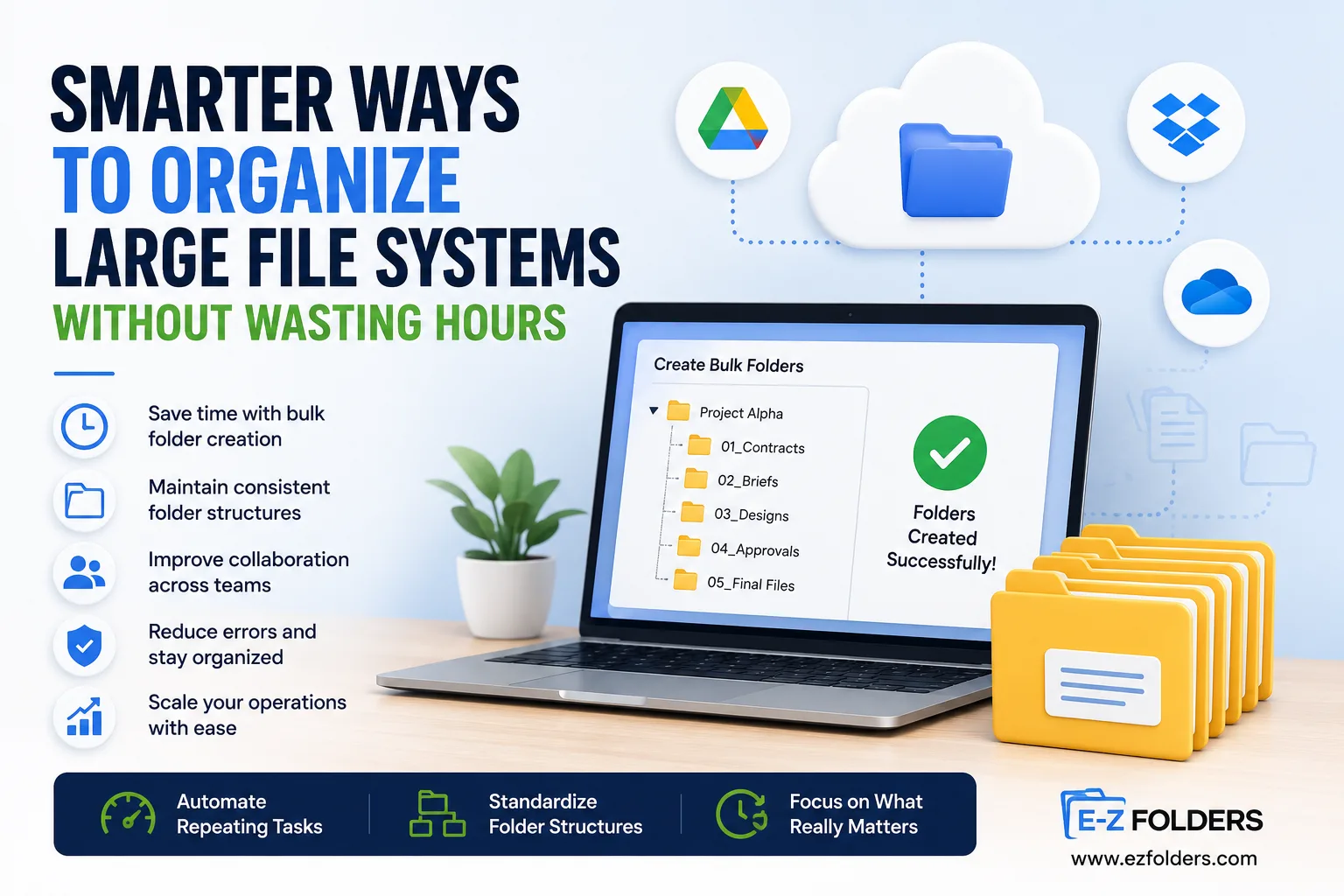
This is where tools built for bulk folder creation can be especially useful. Instead of manually building every parent folder and subfolder, teams can generate organized folder structures in far less time while keeping naming conventions and layouts consistent across projects.
Benefits of using a repeatable folder creation process
A structured workflow for folder setup offers practical advantages beyond just saving time.
Faster onboarding
New team members can follow an existing folder framework instead of guessing where documents should go.
Better collaboration
When everyone works inside the same structure, files are easier to find and share.
Reduced human error
Automated or templated setups reduce the risk of missing folders, inconsistent naming, or misplaced files.
Easier scaling
As the business grows, folder creation no longer becomes a bottleneck for operations.
Cleaner cloud storage
A consistent hierarchy helps maintain order across Google Drive or other shared storage platforms over time.
Tips for building a folder system that actually works
If you are reviewing your current setup, focus on practical improvements rather than creating an overly complex structure.
- Keep naming conventions simple and consistent
- Use the same subfolder template for recurring workflows
- Separate internal files from client-facing assets
- Review folder structures regularly to remove clutter
- Avoid creating too many levels unless they serve a real purpose
Folder organization works best when it supports how your team already operates. The goal is not just neat storage. It is a system that helps people move faster, find files easily, and maintain consistency as work expands.