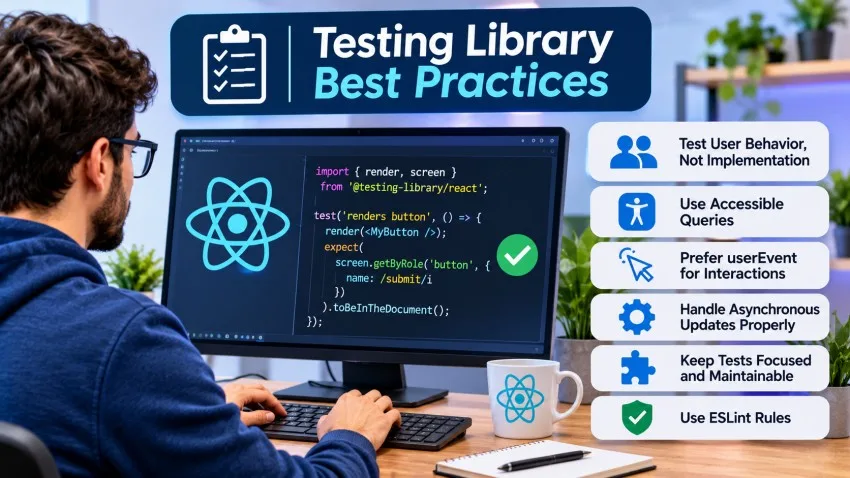
Testing Library is a collection of tools that helps developers test web applications from the user's perspective. If you have wondered what is testing library, it is a testing solution designed to make tests focus on visible behavior rather than internal code details. Its tools support several frameworks, including React, Vue, Angular, and others.
Following the right Testing Library best practices can help you write reliable tests, catch user-facing problems, and maintain your code more easily. Here are the key practices every modern web developer should understand.
1. Test User-Visible Behavior, Not Implementation Details
One of the most important Testing Library principles is to make tests resemble real user interactions.
Avoid testing internal component state, private functions, or implementation details. Instead, check what users can see and do.
For example, when testing a login form, focus on whether:
- Users can enter their email and password.
- The submit button works.
- Invalid information displays an error.
- Successful submission produces the expected result.
This approach makes tests less likely to break when developers refactor components without changing their behavior.
2. Prefer Accessible Queries
Choose queries that reflect how people interact with your application. Testing Library recommends prioritizing accessible queries, especially getByRole and getByLabelText.
For example:
import { render, screen } from '@testing-library/react' render(<button>Save Changes</button>) expect( screen.getByRole('button', { name: /save changes/i }) ).toBeInTheDocument()
This query finds the button by its role and accessible name.
Use these query methods when appropriate:
- getByRole: Finds elements by their accessible role and name.
- getByLabelText: Finds form fields through their labels.
- getByText: Finds elements through visible text.
- getByTestId: Finds elements using a test ID when other queries are impractical.
Accessible queries also help reveal potential accessibility problems in your interface. <Cite refs={["turn333013search0","turn333013search1"]}/>
3. Use userEvent for Realistic Interactions
Testing Library's user-event package simulates user interactions, such as clicking buttons, typing text, and selecting options.
It is generally preferable to using fireEvent for common user interactions because it models more of the interaction sequence.
Example:
import userEvent from '@testing-library/user-event' import { render, screen } from '@testing-library/react' test('submits a login form', async () => { const user = userEvent.setup() render(<LoginForm />) await user.type( screen.getByLabelText(/email/i), 'test@example.com' ) await user.click( screen.getByRole('button', { name: /login/i }) ) })
Create a userEvent instance with userEvent.setup() and await its interaction methods. This helps tests follow realistic user workflows. <Cite refs={["turn333013search9","turn333013search7"]}/>
4. Choose the Correct Query Method
Testing Library provides different query methods for different situations. Choosing the right one makes tests clearer and more reliable.
| Query | Best use |
|---|---|
| getBy | An element should already exist |
| queryBy | Checking whether an element is absent |
| findBy | Waiting for an element to appear |
For example, use getByRole when a button is already visible. Use queryByText when checking that an error message is not displayed.
For content that appears after an API request, use an asynchronous query:
const heading = await screen.findByRole('heading', { name: /welcome/i })
The findBy methods return promises, so remember to use await. <Cite refs={["turn333013search0","turn333013search4"]}/>
5. Avoid Unnecessary Test IDs
Test IDs can be useful, but they should not be your first choice.
For example, selecting a button through data-testid="submit-button" does not verify whether users can identify it through its accessible name.
Prefer role-based or label-based queries whenever possible.
Use test IDs when an element has no practical accessible name or visible text, or when other query methods cannot identify it reliably.
This keeps tests closer to real user experiences while avoiding unnecessary dependence on implementation details.
6. Handle Asynchronous Updates Properly
Modern web applications often load data, display notifications, and update content after user actions.
Avoid using fixed delays such as setTimeout to wait for these changes. Fixed waits can make tests slow and unreliable.
Instead, use findBy when waiting for an element to appear. Use waitFor when you need to wait for a condition that cannot be expressed through an asynchronous query.
For example:
await waitFor(() => { expect(screen.getByText(/saved successfully/i)) .toBeInTheDocument() })
Keep waitFor callbacks focused on assertions. Do not place clicks, typing, or other side effects inside them because the callback may run more than once. <Cite refs={["turn333013search4","turn333013search7"]}/>
7. Keep Tests Focused and Maintainable
A good test should have a clear purpose. Avoid testing several unrelated behaviors in one test case.
Follow these practices:
- Give each test a descriptive name.
- Keep setup code simple and reusable.
- Test important success and failure scenarios.
- Avoid repeating the same assertions unnecessarily.
- Mock external services when appropriate.
- Remove unnecessary dependencies between tests.
For larger React applications, a custom render helper can provide shared context providers, such as routing or application state. This reduces repeated setup without hiding what each test actually checks. <Cite refs={["turn333013search5","turn333013search6"]}/>
8. Use ESLint Rules to Catch Common Mistakes
The official eslint-plugin-testing-library package helps teams follow Testing Library conventions and identify common testing mistakes.
Depending on its configuration, it can flag issues such as unhandled asynchronous queries, unnecessary test IDs, direct DOM access, and unsuitable waiting patterns.
Adding this plugin to your development workflow can make test code more consistent and easier to review. <Cite refs={["turn333013search7","turn333013search3"]}/>
Conclusion
Testing Library best practices help developers create tests that reflect real user experiences. Prioritize accessible queries, simulate interactions with userEvent, handle asynchronous updates correctly, and avoid testing internal implementation details. Keep individual tests focused and use linting tools to catch common mistakes. These habits make your test suite easier to maintain and give your team greater confidence when improving modern web applications.
Frequently Asked Questions
1. What is Testing Library used for?
Testing Library helps developers test web application interfaces from a user's perspective. It provides tools to render components, find page elements, simulate interactions, and verify visible behavior.
2. Is Testing Library only for React?
No. Testing Library supports several frameworks and environments, including React, Vue, Angular, and plain DOM applications. Each framework can use its corresponding Testing Library package.
3. Should I use getByRole or getByTestId?
Prefer getByRole because it identifies elements through accessible roles and names. Use getByTestId when accessible or visible information does not provide a practical way to find the element.
4. What is the difference between Jest and Testing Library?
Jest is a JavaScript test runner and testing framework. Testing Library provides utilities for testing user-facing interfaces. They can work together, but Testing Library is not a test runner and does not require Jest.
5. Do I need userEvent for every interaction?
Not necessarily, but userEvent is generally recommended for common user interactions. fireEvent remains useful for lower-level DOM events that are not easily represented through user-event.