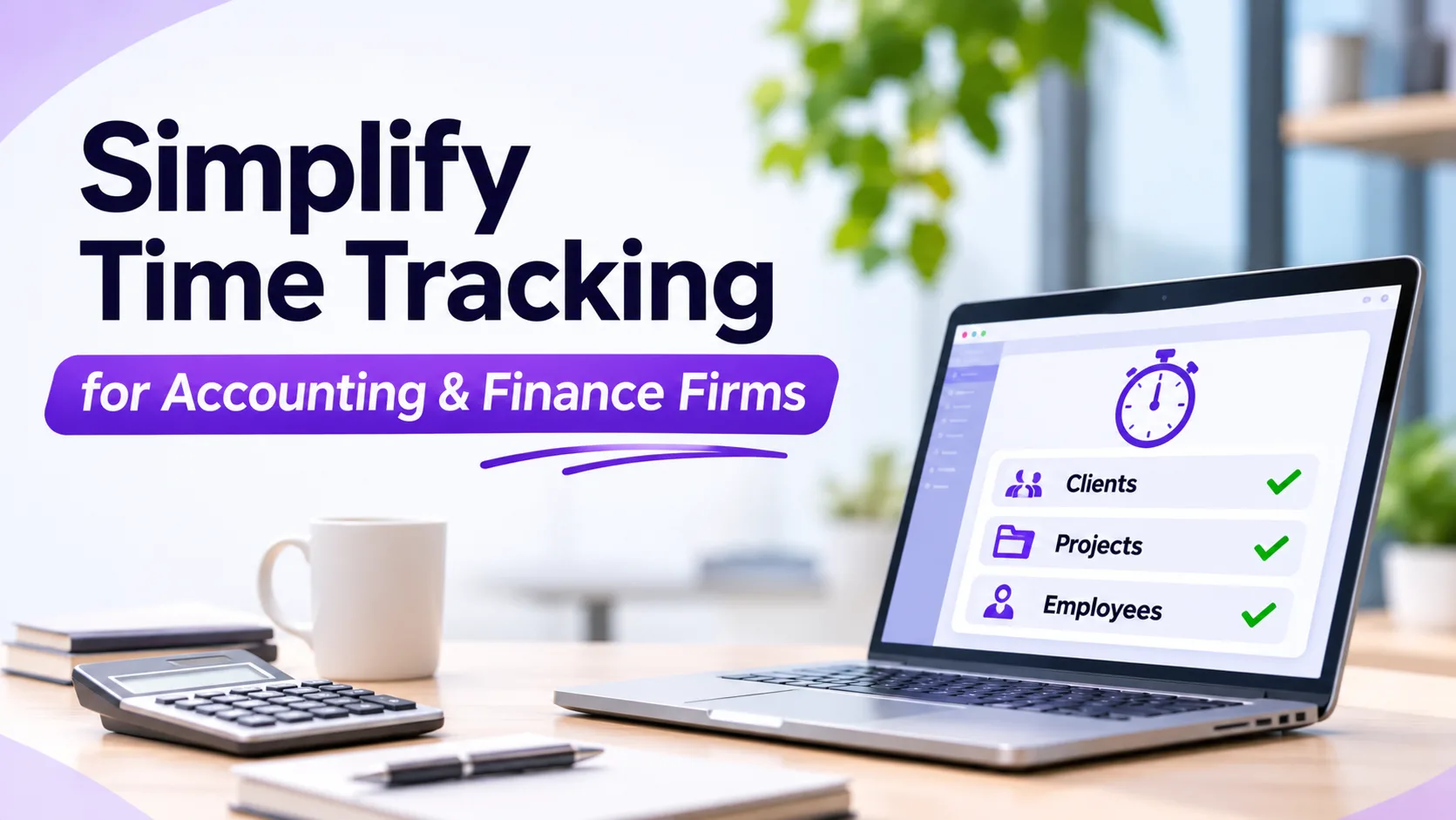
Accounting and finance firms simplify time tracking by using one system with three linked layers: clients, projects or engagements, and employees. Every hour is logged once, against a client and an engagement, with a short list of task codes and a clear billable or non-billable tag. Weekly approvals and a few core reports (utilization, realization, and engagement budget versus actual) then turn that data into better pricing, staffing, and billing decisions.
Most firms already track time. The problem is that they track it in too many places: a practice management tool for billing, a spreadsheet for internal projects, and memory for everything else. This guide shows how to consolidate that into one simple structure your team will actually use.
Key Takeaways
- Structure time around three layers: client, engagement or project, and employee.
- Keep task codes short, ideally 10 to 15, and tag every entry as billable or non-billable.
- Track time on fixed-fee work too. It is the only way to know whether a fee was profitable.
- Daily logging and weekly approvals matter more than any feature.
- Focus on four metrics: utilization, realization, budget versus actual, and write-downs.
Why Is Time Tracking Harder in Accounting and Finance Firms?
Accounting and finance work does not fit neatly into one billing model. A single firm might run hourly advisory work, fixed-fee monthly bookkeeping, value-priced tax returns, and audit engagements with strict budgets, all at once.
Several other factors add complexity:
- Busy season compression. Staff juggle dozens of clients a day, so time gets logged late or in large, vague blocks.
- Many small tasks. A 10-minute client call or a quick review note is easy to forget, and those minutes add up.
- Remote and offshore teams. Staff working across time zones make manual timesheets harder to check.
- Fixed-fee pricing. When time is not billed directly, people stop recording it, and the firm loses visibility into profitability.
What Are the Three Layers of Firm Time Tracking?
Simple time tracking starts with a clear structure. Every hour should answer three questions: for whom, on what, and by whom.
| Layer | What It Captures | Why It Matters |
| Client | The client or entity the work is for | Client profitability, billing, and relationship value |
| Project or engagement | The specific job, such as 2026 tax return, monthly close, or audit | Budget tracking, scope control, and pricing future work |
| Employee | Who did the work, at what level, and for how long | Utilization, capacity planning, and fair workloads |
When all three layers live in one system, a single time entry feeds billing, engagement reporting, and staffing data at the same time. No one re-keys hours into a second tool.
How Should Firms Set Up Client and Engagement Tracking?
Create One Client List
Use the same client names that appear in your billing or practice management system. For related entities, such as a business owner's company, trust, and personal return, set up separate clients or sub-clients so profitability is visible for each.
Create Engagements, Not Just Clients
Logging time to "ABC Manufacturing" tells you little. Logging it to "ABC Manufacturing: 2026 Year-End Close" tells you whether that engagement stayed on budget. Create a new engagement for each recurring period, such as each tax year or each monthly close.
Attach a Budget to Each Engagement
Add estimated hours, or a fee converted to hours, to every engagement. This lets managers spot overruns mid-engagement instead of at billing time.
How Should Firms Structure Task Codes?
Task codes describe what kind of work was done. Keep the list short enough that staff can pick the right code in seconds. A typical firm list might include:
- Bookkeeping and reconciliations
- Payroll processing
- Tax preparation and tax review
- Audit fieldwork and audit review
- Financial statement preparation
- Advisory and client meetings
- Client communication and admin
- Internal: training, CPE, business development, firm admin
Tag each code as billable or non-billable by default. Staff can override the tag when needed, but defaults prevent most errors.
How Do You Make Employee Time Tracking Easy for Staff?
Staff resist time tracking when it feels slow or suspicious. Remove both problems.
- Make logging daily. Time recorded the same day is far more accurate than time rebuilt on Friday afternoon.
- Use timers or automatic capture. One-click timers and background capture reduce the effort of manual entry.
- Allow short increments. Six- or fifteen-minute increments catch quick calls and emails.
- Explain the purpose. Tell staff the data is used for pricing, staffing, and workload balance, not to second-guess every minute.
Tools built for this, such as employee time tracking software with one-click start and stop controls, make it practical for staff to log time across many clients in a single day.
Why Track Time on Fixed-Fee and Value-Priced Work?
Many firms move to fixed fees and stop tracking time on those engagements. That removes the only data that shows whether the fee was right.
For example, a firm charges a $6,000 annual fee for monthly bookkeeping and year-end financials. If staff log 60 hours, the effective rate is $100 an hour. If they log 120 hours, it drops to $50. Without time data, both engagements look identical on the invoice.
Time tracking on fixed-fee work helps firms reprice at renewal, spot scope creep early, and identify clients who need process changes.
Which Time Tracking Metrics Matter Most for Firms?
| Metric | Formula | What It Shows |
| Utilization rate | Billable hours / total available hours | How much staff time goes to client work |
| Realization rate | Amount billed / standard value of time worked | How much logged time turns into revenue |
| Budget versus actual | Actual hours / budgeted hours per engagement | Which engagements run over and why |
| Effective hourly rate | Fee collected / hours worked | True profitability of fixed-fee work |
| Write-downs | Standard value of time minus amount billed | Where pricing or scope needs fixing |
Set targets against your own historical data. Utilization goals, for example, differ by role. A partner spends far more time on firm management and business development than a staff accountant.
What Does a Simple Weekly Time Tracking Workflow Look Like?
| When | Who | Action |
| Daily | All staff | Log time against client, engagement, and task code |
| Friday | All staff | Review and submit the weekly timesheet |
| Following Monday | Managers | Approve timesheets and fix miscoded entries |
| Monthly | Partners and operations | Review utilization, realization, and engagement budgets |
| Quarterly | Leadership | Adjust pricing, staffing, and task codes |
Firms that want this workflow out of the box can look at time tracking for accounting and finance firms that separates billable from internal hours and exports to Excel, CSV, or PDF for billing and payroll.
How Should Firms Handle Remote and Offshore Teams?
Remote and offshore staff are now common in accounting. Time tracking for distributed teams works best when firms:
- Set one firm-wide time zone for reporting while letting staff see their local time.
- Use the same clients, engagements, and codes for every location.
- Agree on what activity data is collected, if any, and document it in writing.
- Review approvals promptly so timesheets do not pile up across time zones.
Client confidentiality also applies. Limit each person's access to the clients they work on, and check that any tracking tool meets your firm's data security standards.
Best Practices for Accounting Firm Time Tracking
- Use one system for all time. Billable, internal, and fixed-fee work should live in the same place.
- Match names to billing. Client and engagement names should mirror your practice management or billing system.
- Lead from the top. Partners who log time daily set the standard for everyone else.
- Review codes after busy season. Retire unused codes and split overloaded ones.
- Share insights with staff. Show how time data shaped pricing or workload decisions.
Common Time Tracking Mistakes Firms Make
- Too many task codes. Staff default to a catch-all, and the data becomes useless.
- Tracking clients but not engagements. You cannot measure budget overruns without engagement-level data.
- Dropping time tracking on fixed fees. Profitability becomes a guess.
- Weekly reconstruction. Recalling a full week from memory leads to rounded, inaccurate entries.
- Ignoring non-billable time. Training, admin, and business development hours explain where capacity really goes.
Frequently Asked Questions
What is the best way for accounting firms to track time?
Use one system that links every entry to a client, an engagement, and an employee, with a short list of task codes, daily logging, and weekly manager approvals.
Should accounting firms track time on fixed-fee engagements?
Yes. Time data on fixed-fee work shows the effective hourly rate, reveals scope creep, and supports better pricing at renewal.
How many task codes should an accounting firm use?
Most firms work well with about 10 to 15 task codes. More than that tends to cause miscoding.
What is the difference between utilization and realization?
Utilization measures how much available time is spent on billable work. Realization measures how much of the value of that time is actually billed.
How often should timesheets be approved?
Weekly. Managers should approve within one business day of the submission deadline so billing and payroll are not delayed.
How can firms track time for remote or offshore accountants?
Use the same client, engagement, and task structure for every location, standardize reporting time zones, and document what data is collected.
Is time tracking only useful for hourly billing?
No. It also supports fixed-fee pricing, capacity planning, staffing decisions, and fair workload distribution.