PDF files are used almost everywhere today. Students use them for assignments and study materials, professionals share reports and presentations, and businesses rely on them for invoices, agreements, and important records. PDFs are popular because they maintain the same layout across different devices. However, editing them is not always as simple as editing a Word document. You may need to correct a spelling mistake, add a signature, remove an unnecessary page, or update some information before sharing a file.
This is where an editor de pdf becomes useful. It allows users to make changes to PDF documents without recreating the entire file. Whether you are a student preparing an assignment or an employee updating a business document, understanding how PDF editing works can save time and effort. This beginner guide explains what a PDF editor is, how it works, and what features you should look for when choosing one.
What Is a PDF Editor?
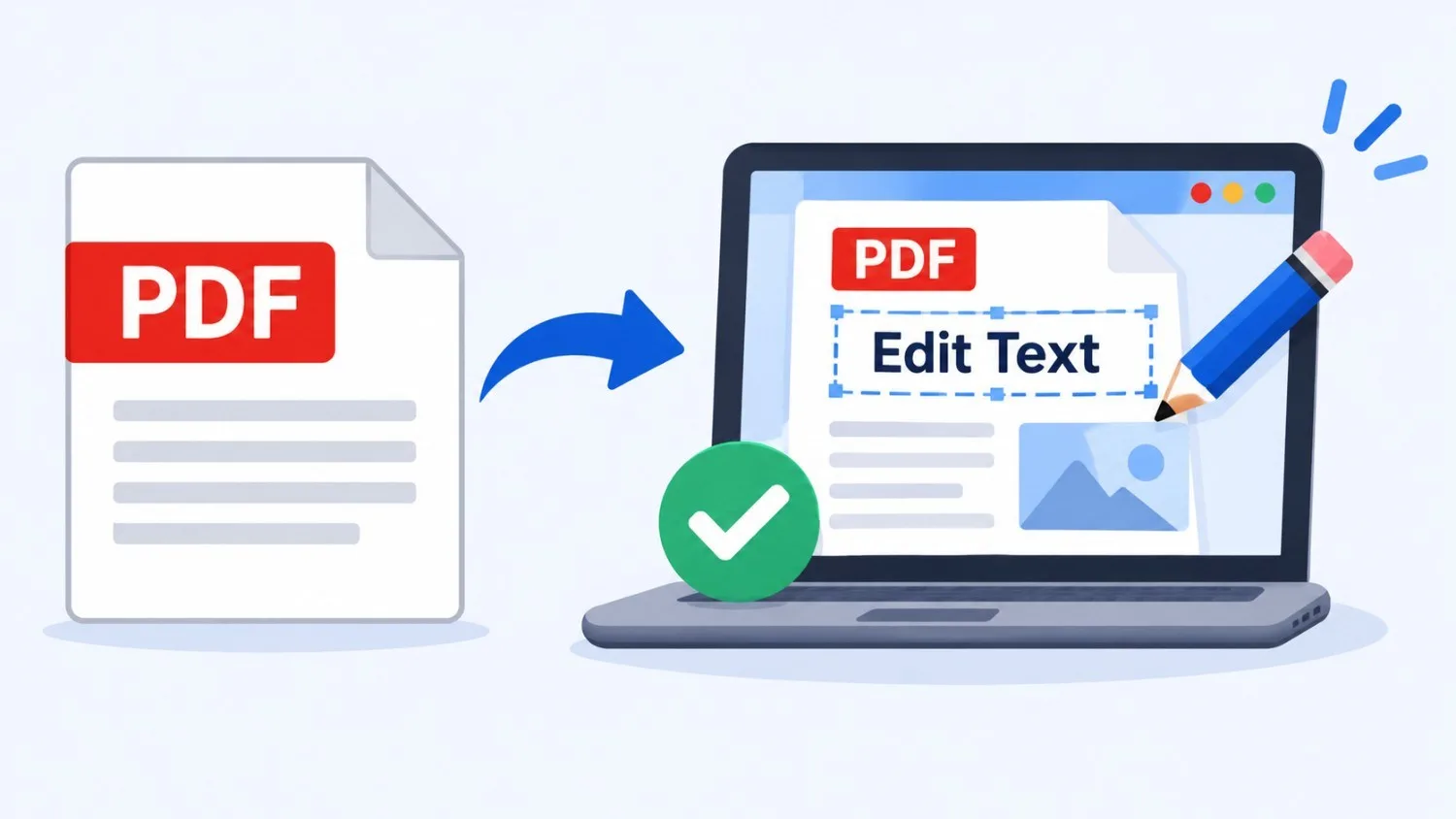
A PDF editor is a software tool or online service that allows users to modify PDF documents. Instead of creating a new document from scratch, you can work directly with an existing PDF file.
Depending on the tool, you can perform different tasks, such as:
- Adding or editing text.
- Inserting images and links.
- Highlighting important information.
- Adding electronic signatures.
- Removing or rearranging pages.
- Adding comments and annotations.
- Protecting documents with passwords.
- Converting PDFs into editable formats.
A PDF editor makes document management easier because it brings several editing functions into one place. Some tools are designed for basic changes, while advanced PDF editors offer features for professional document management.

How Does a PDF Editor Work?
A PDF editor works by reading the structure of a PDF file and allowing users to change selected elements. When you upload a document, the software processes its pages, text, images, fonts, and other content.
Here is a simple explanation of how the process usually works.
1. Upload Your PDF Document
First, open a PDF editing tool and select the document you want to modify. If you are using an online tool, you can usually upload a file directly from your computer or mobile device.
2. Select the Editing Feature
After uploading, choose what you want to change. For example, you might want to add new text, highlight a sentence, insert an image, or remove an unnecessary page.
An editor de pdf online makes these tasks convenient because you can access editing features through a web browser without installing additional software.
3. Make the Required Changes
Use the available editing options to modify your document. Depending on the software, you may be able to select existing text, add new content, adjust images, or rearrange pages.
Keep in mind that some PDFs contain scanned images instead of selectable text. These files may require Optical Character Recognition (OCR) before their text can be edited properly.
4. Review and Save the Document
Once you finish editing, review the document to check its formatting, spacing, images, and page arrangement. Finally, save or download the updated PDF.
Following these steps helps ensure that your document is ready to share or store.
What Are the Most Common Features of a PDF Editor?
Not every PDF editor offers the same functions. Some focus on simple modifications, while others provide complete document management solutions.
Here are some useful features beginners should understand.
Text and Image Editing
This feature allows you to add new text, insert images, and make changes to existing content when supported. It is helpful when correcting information or updating a document.
PDF Conversion
Sometimes, editing directly inside a PDF is difficult. In that situation, converting the document into another format can help. For example, you can use a pdf to editable pdf online workflow or convert a PDF into Word to make larger text changes before exporting it again.
Page Management
Page management tools allow you to merge multiple PDFs, split large documents, delete unwanted pages, and rearrange page order. These options are especially useful for reports, contracts, and study materials.
Digital Signatures
Many PDF tools allow users to add electronic signatures without printing documents. This can make approval processes faster and reduce unnecessary paperwork.
Password Protection
Some editors provide security features that let users protect documents with passwords. This is useful when sharing confidential information, although users should always check the security practices of the service they choose.
Why Should Beginners Use an Online PDF Editor?
Traditional PDF editing software often requires installation and may involve paid subscriptions. Online tools offer another option for people who only need occasional document changes.
A pdf modifier online can be accessed through a browser, making it convenient for users working on different devices.
Some important benefits include:
- No installation: Work directly through a browser.
- Easy access: Use editing tools from compatible computers and mobile devices.
- Time savings: Make quick changes without recreating documents.
- Multiple features: Access conversion, compression, signing, and page management tools.
- Flexible working: Complete basic document tasks from different locations.
For example, someone who needs to editar pdf online gratuito can use a free online service to make simple document changes without purchasing expensive software.
However, free tools may have limitations, such as file-size restrictions, limited editing options, or daily usage limits.
How to Edit a PDF Online for Free
If you want to editar pdf gratuito, an online PDF tool can be a practical starting point. The process is generally straightforward.
- Open a trusted online PDF editing website.
- Upload the PDF document you want to modify.
- Select the available editing option.
- Add text, images, annotations, or other required changes.
- Review the document carefully.
- Download the updated PDF file.
If your goal is to editar pdf online gratis, check whether the selected tool supports the exact changes you need. Some free services only allow annotations or signatures rather than editing existing text.
PDF Techno is one option for users looking for browser-based PDF tools. It provides more than 35 free PDF utilities, including PDF conversion, compression, signing, merging, splitting, and OCR. Users can access its tools without installing software or creating an account.
How to Choose the Right PDF Editor
Choosing a suitable PDF editor depends on your requirements. Before using any tool, consider the following points:
1. Easy to Use: Beginners should choose a tool with a simple interface and clearly labelled options.
2. Required Features: Check whether it supports text editing, conversion, signing, compression, or page management.
3. File Security: Look for secure connections, clear privacy policies, and transparent file-retention practices.
4. Device Compatibility: Make sure the tool works with your operating system and browser.
5. Free or Paid Access: Compare available features and limitations before choosing a service.
6. Output Quality: Always check whether the edited document maintains its original formatting and readability.
A reliable pdf editor should make everyday document tasks easier without creating unnecessary complications.
Common Mistakes to Avoid When Editing PDFs
Even simple PDF editing can create problems if you do not review your work. Beginners should avoid these common mistakes:
- Ignoring formatting: Changes to text can affect spacing and alignment.
- Using the wrong conversion tool: Some conversions may not preserve fonts, tables, or images accurately.
- Forgetting to review pages: Always check the final document before sharing it.
- Uploading sensitive files carelessly: Avoid unknown websites when working with confidential information.
- Not saving a backup: Keep the original PDF in case you need to restore its content.
Taking a few minutes to review your document can prevent unnecessary errors.
Conclusion
A PDF editor is a practical tool for anyone who regularly works with digital documents. It allows users to update text, add images, sign files, manage pages, and convert documents without starting from scratch. Once you understand how these tools work, editing PDFs becomes much easier, even if you have little technical experience.
Whether you need to edit a school assignment, update a business report, or sign an important document, choosing the right tool makes a difference. Platforms like PDF Techno provide accessible PDF utilities that help students, professionals, and businesses handle everyday document tasks. Start with the features you need, review your changes carefully, and choose a secure tool to make PDF management simpler.